Marathon quick start guide,too many items are designed to be dazzling
A quick and brief guide before playing.When you first enter the game, you'll experience a completely different art style compared to other games.
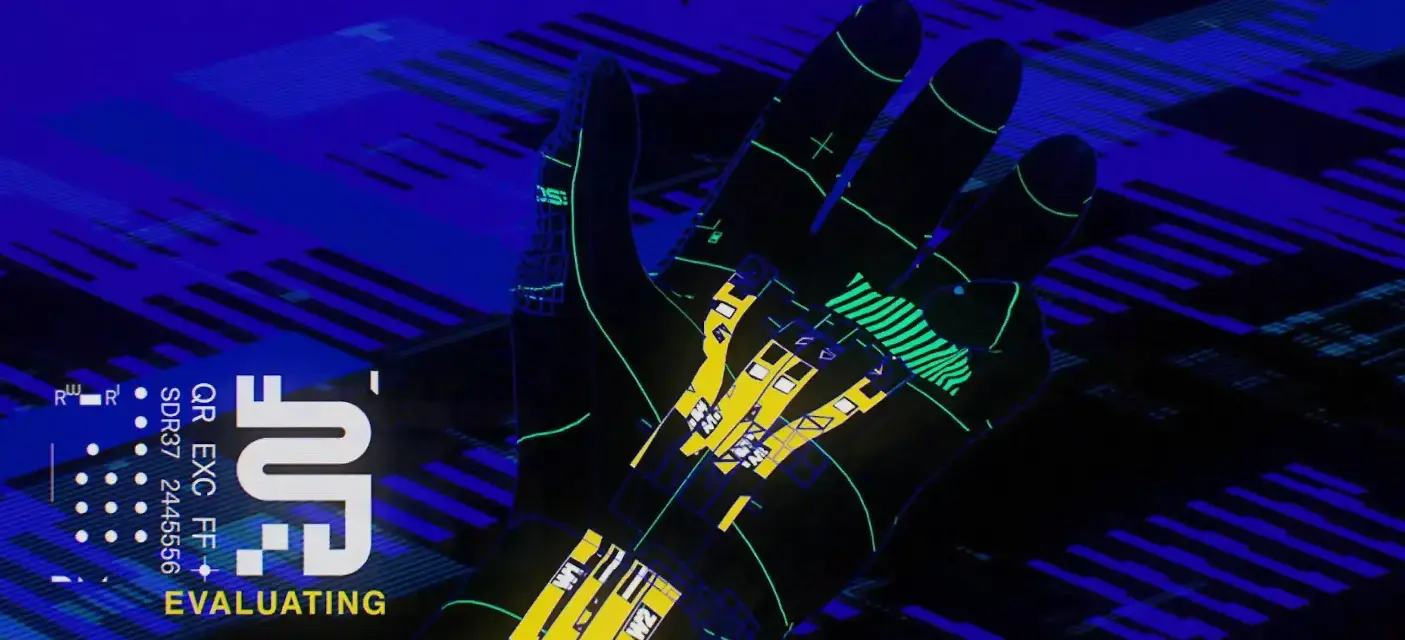
Marathon Quick Start Guide
When you first enter the game, you’ll experience a completely different art style compared to other games. I think this is BUNGIE’s biggest surprise this time.
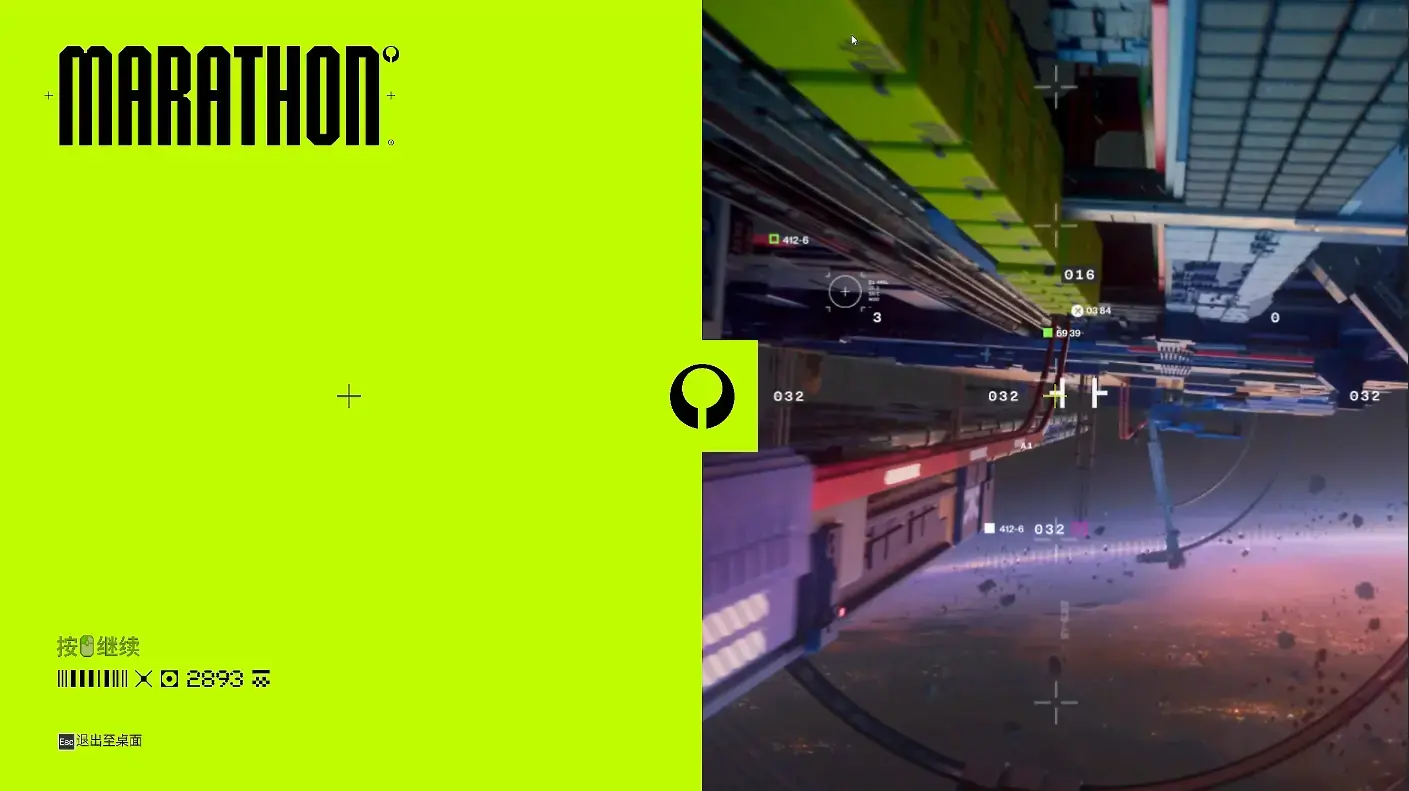
Then there will be about a 3-minute opening animation with extremely dazzling colors. The next-generation art style is very noticeable and can evoke associations with many elements: Cyberpunk 2077, Ghost in the Shell, Apex Legends, Transcendence, and more. What stands out is how perfectly the game’s soundtrack and visuals blend together.
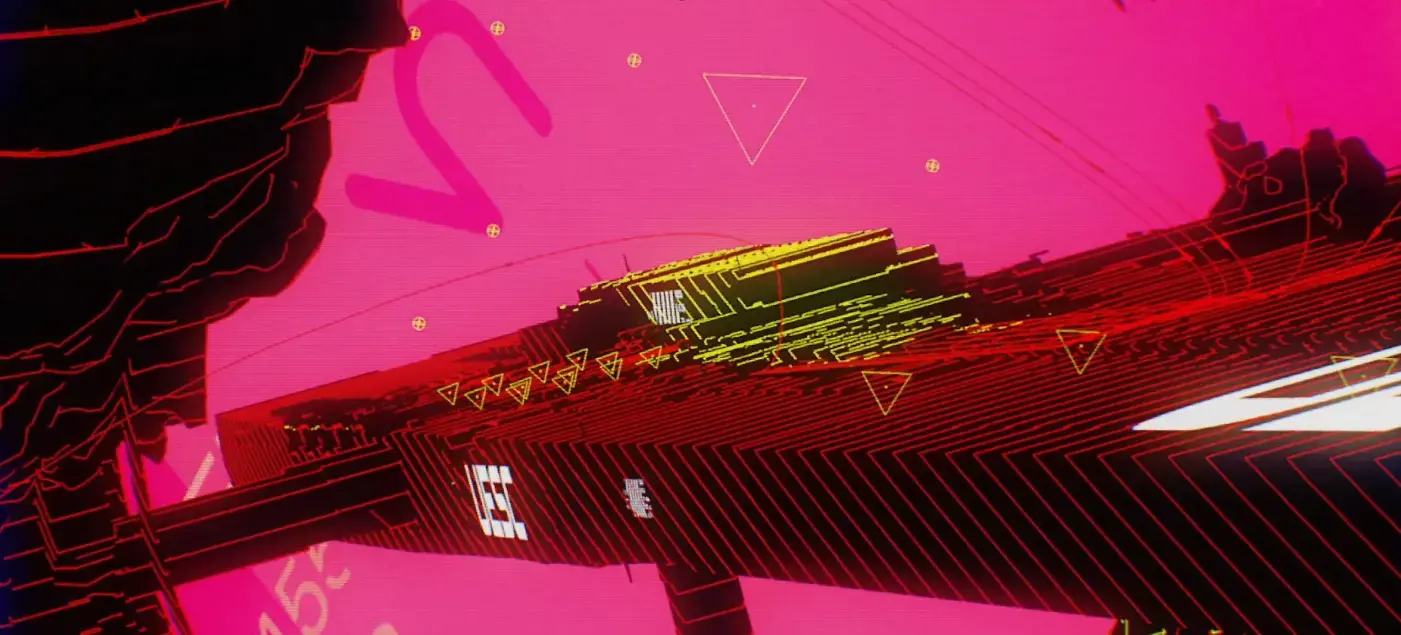

The opening animation uses a highly abstract style to briefly introduce the concept of “Shell” and the target mission location Tau Ceti IV. Some background information should be added here: The “Lost Starship” in “Lost Starship: Marathon” refers to the UESC Marathon (UESC Marathon), which originates from Bungie’s classic 1994 sci-fi shooter game trilogy “Marathon”.
[!NOTE] According to authoritative public sources:
- Original Setting: The UESC Marathon is a human colony ship that arrived at Tau Ceti IV in 2794 to establish a colony. It was later invaded by the alien race Pfhor, leading to infighting among the three onboard AIs (Leela, Durandal, Tycho), ultimately causing chaos in the colony.
- Reboot Timeline: The story of “Lost Starship: Marathon” takes place in 2893, approximately a century after the original events. By this time, the UESC Marathon has long been out of contact, and Tau Ceti IV has become an abandoned, dangerous dead zone, referred to as the “Lost Starship”.
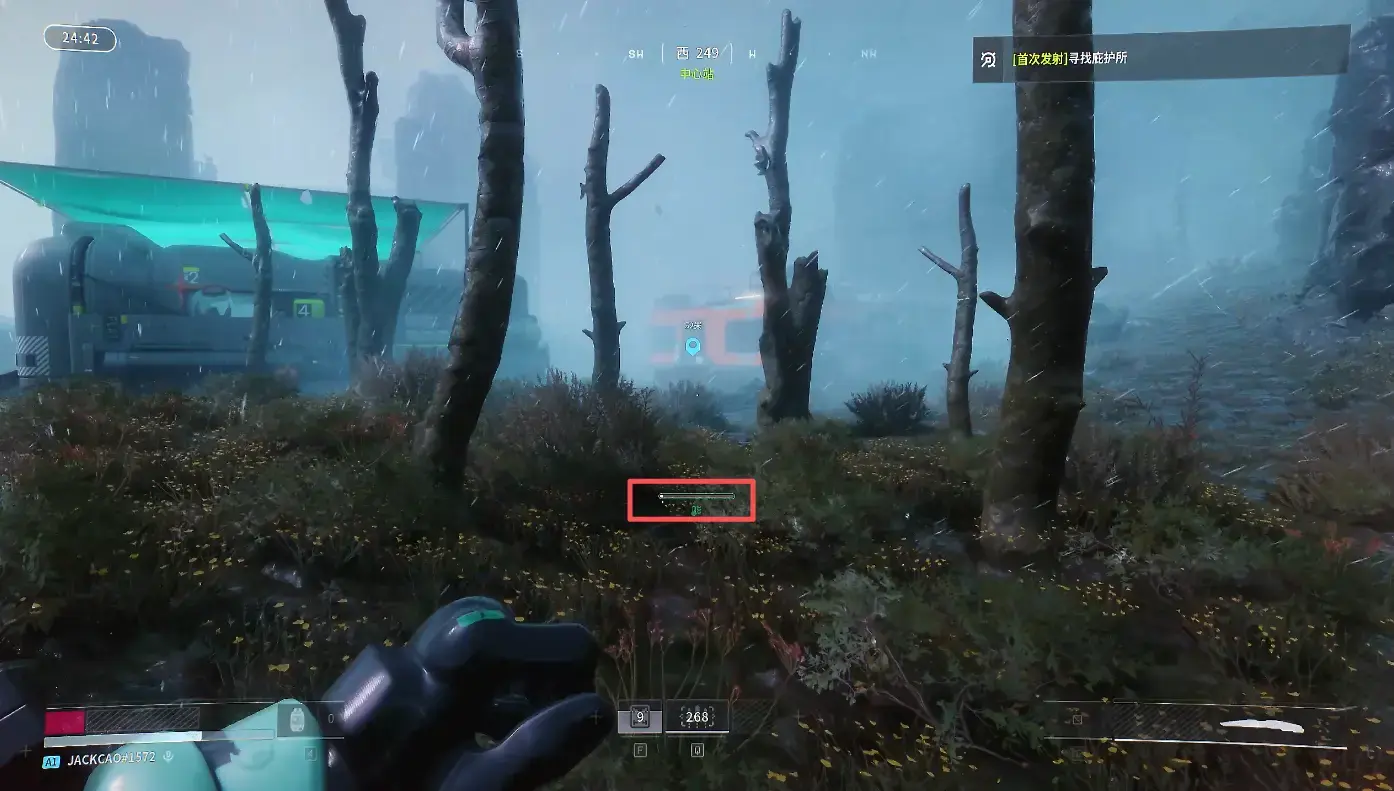
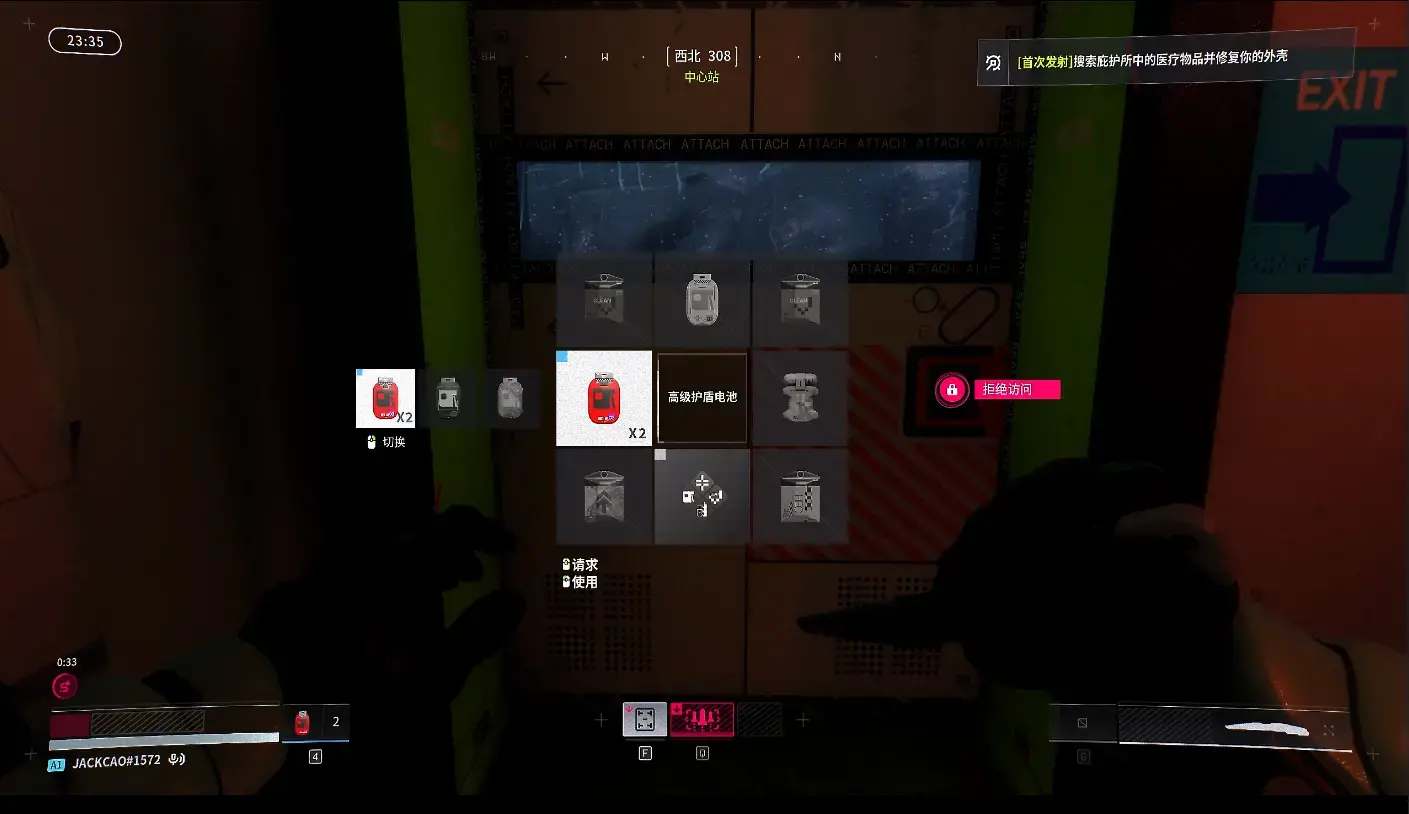
After the opening animation ends, you directly enter the game hub station. The initial interface is relatively simple, and the controls are basically the same as current FPS games, requiring no special explanation. Note that using Shift to sprint (as shown in the red box) will cause your cybernetic body to overheat, and stopping to rest or walking normally will gradually recover it. Following the prompts, you’ll gradually learn about the protection and healing systems.
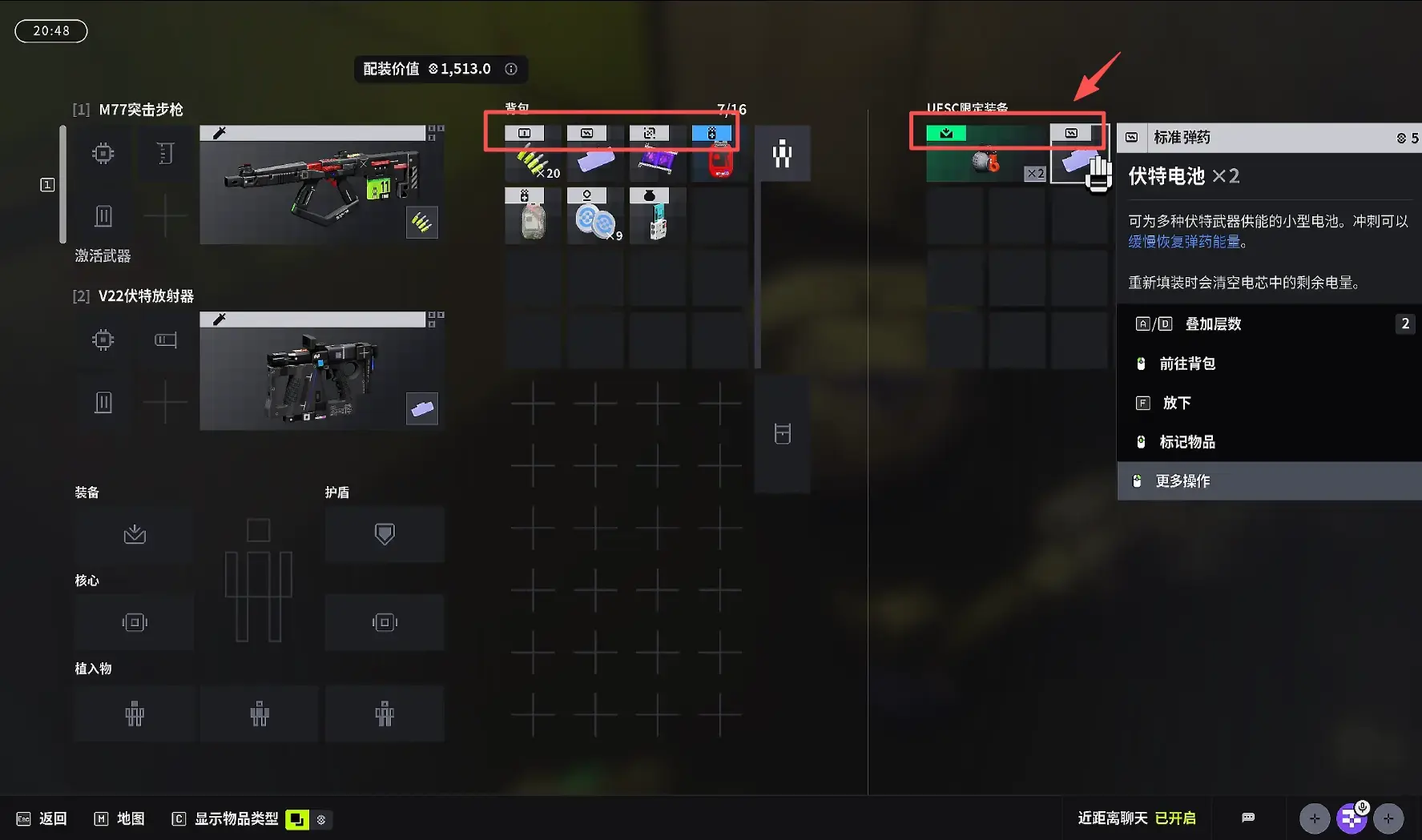
During gameplay, I personally feel that although the interface is simple, the items are quite complex. Pay attention to each icon in the inventory; only those that match the same status bar on your left side can be used. Additionally, the initial backpack is relatively small and can’t hold too many items. If you die, all items will be cleared. You might spend some time initially identifying items.
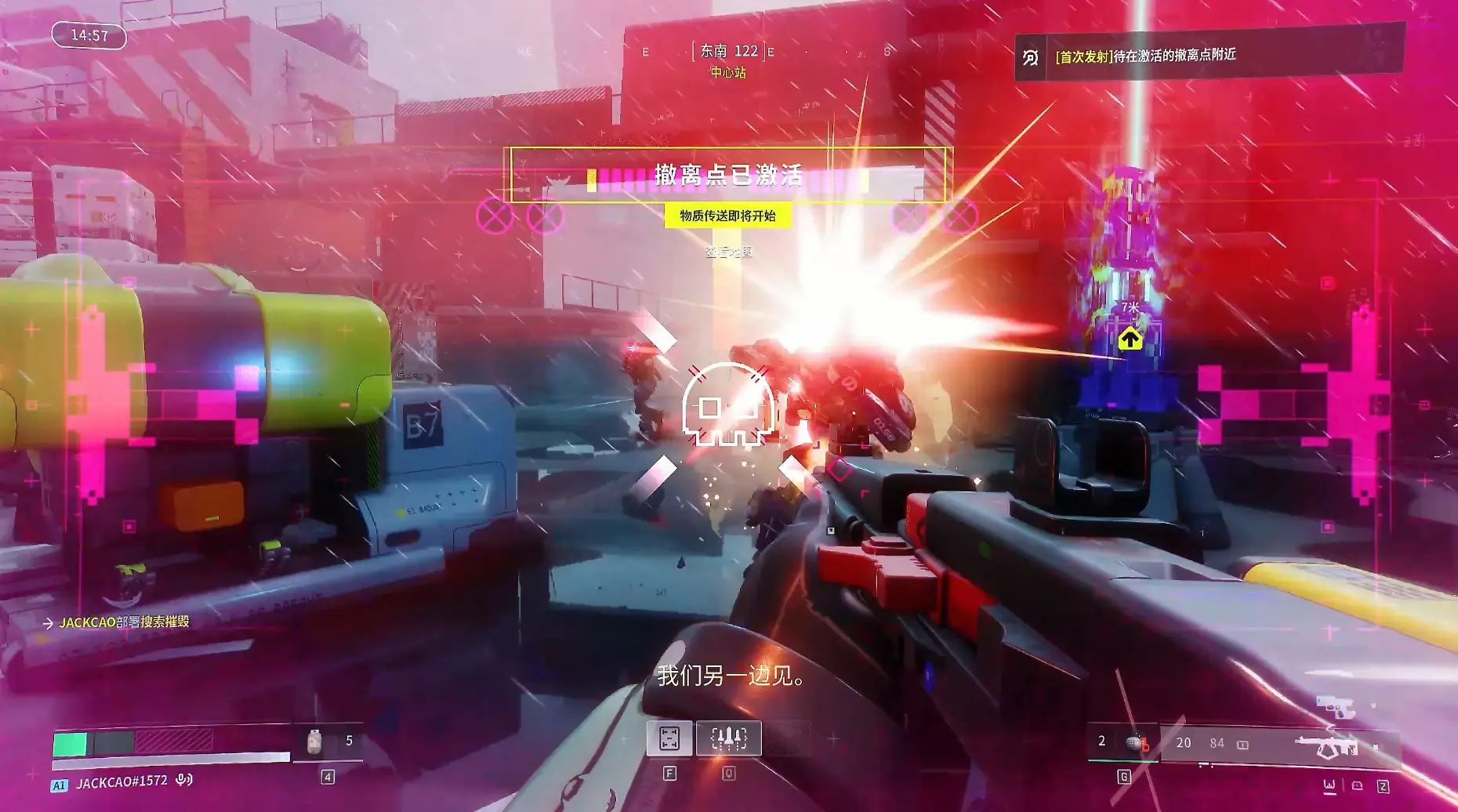
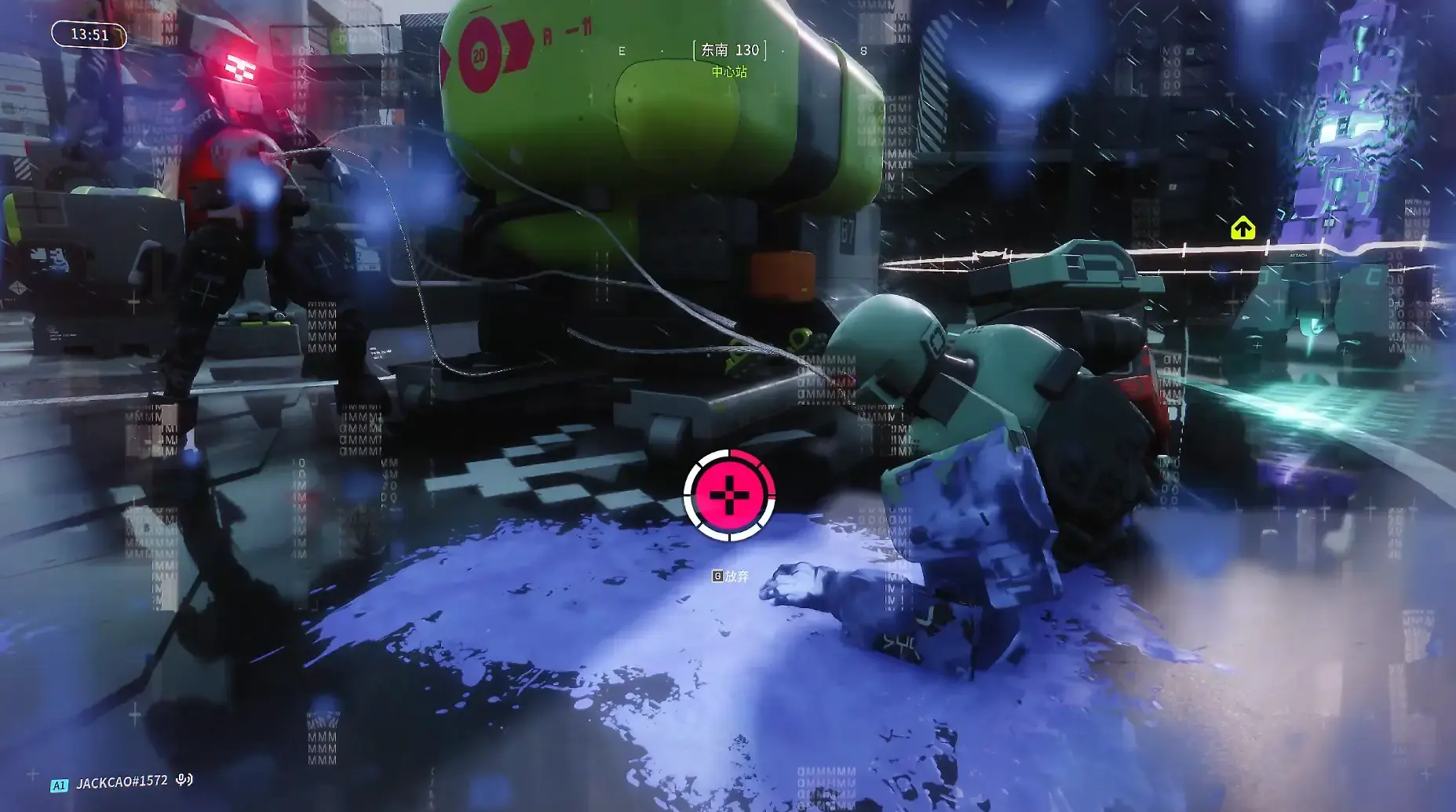
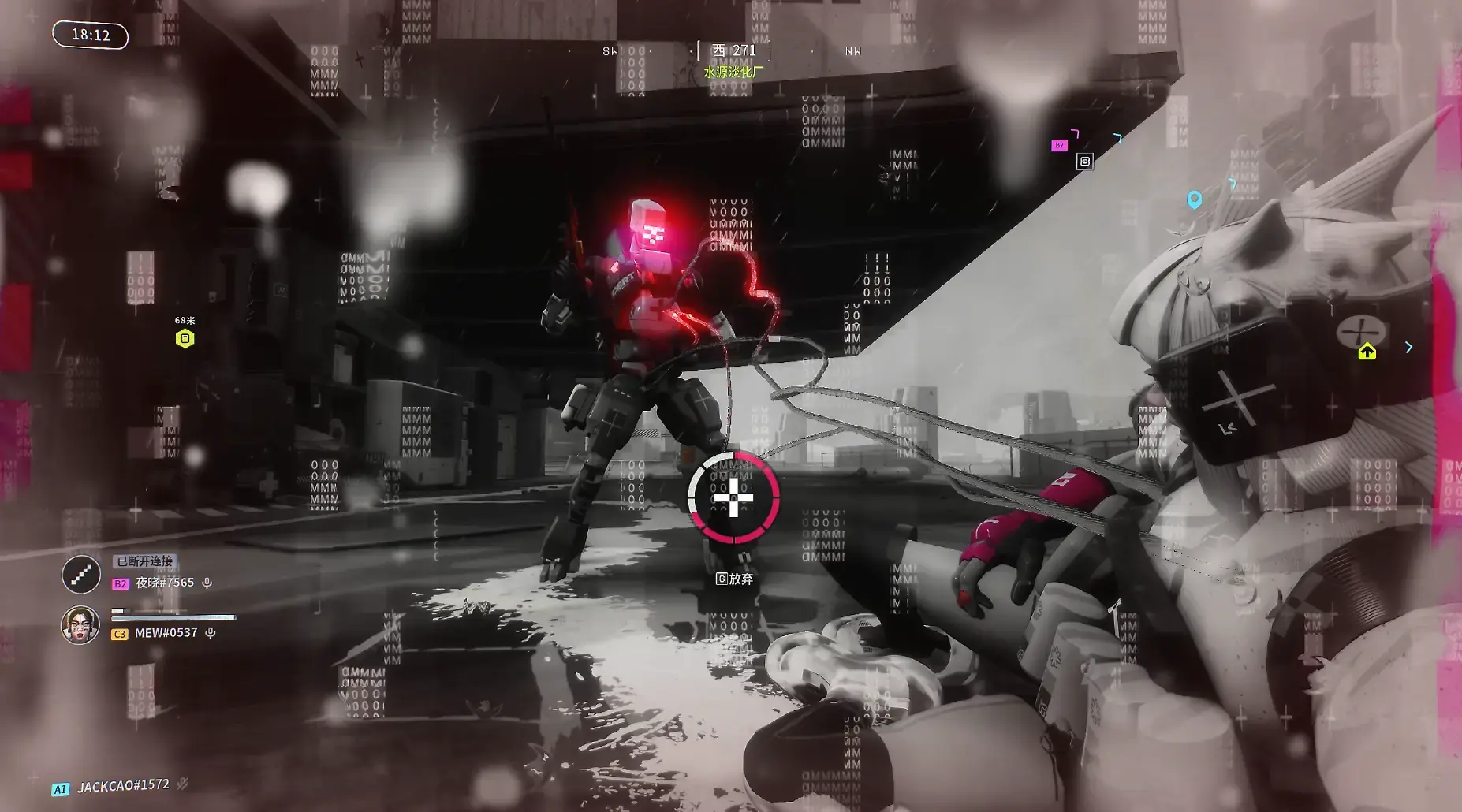
When you’re downed, if enemies deploy “tentacles” on you, it will cause you to lose health faster. However, you can still successfully evacuate while in the downed state. Worth mentioning is the sound effects; the game’s audio will increase in tempo as the evacuation time counts down, constantly boosting your adrenaline during gameplay.
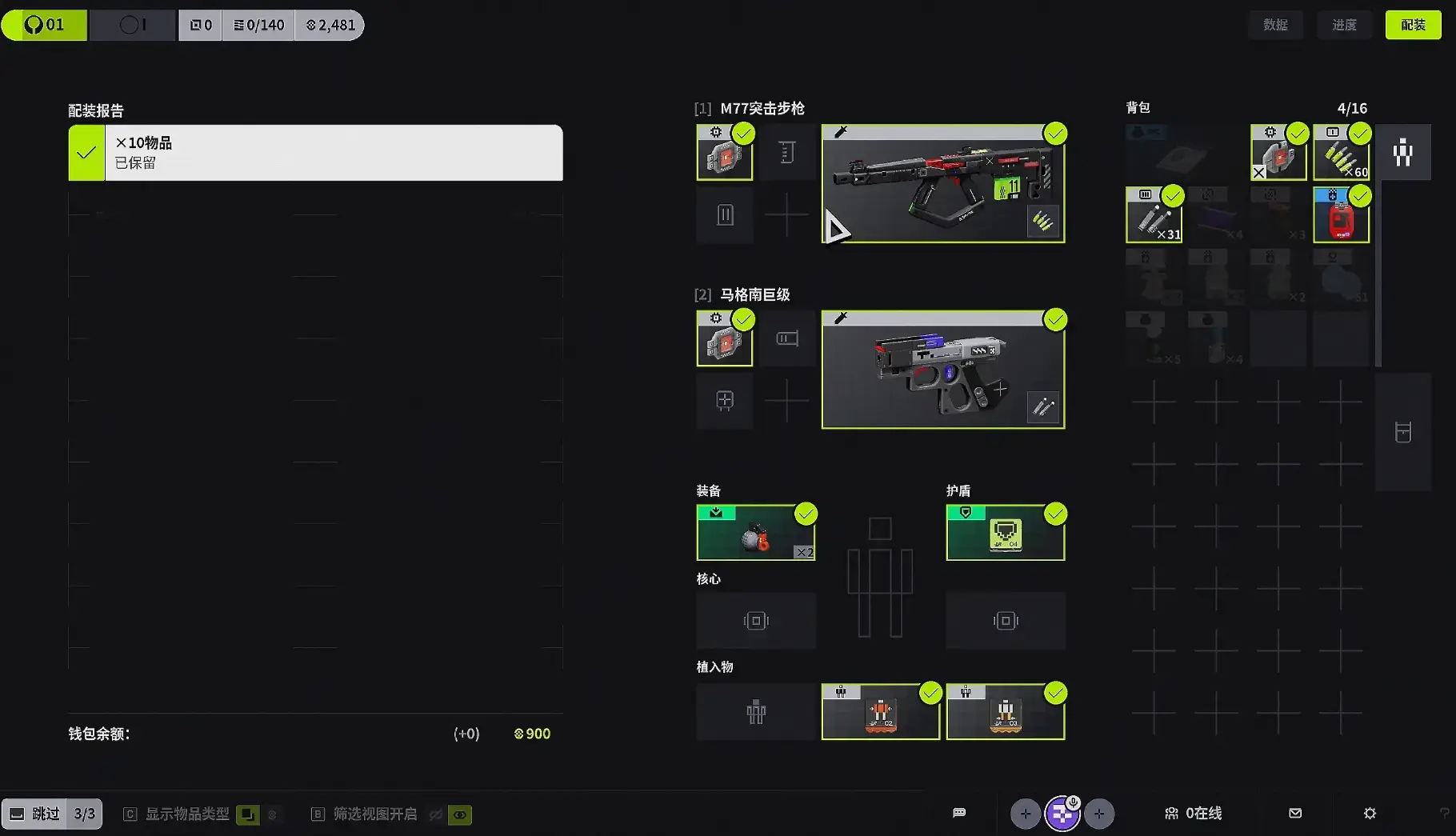
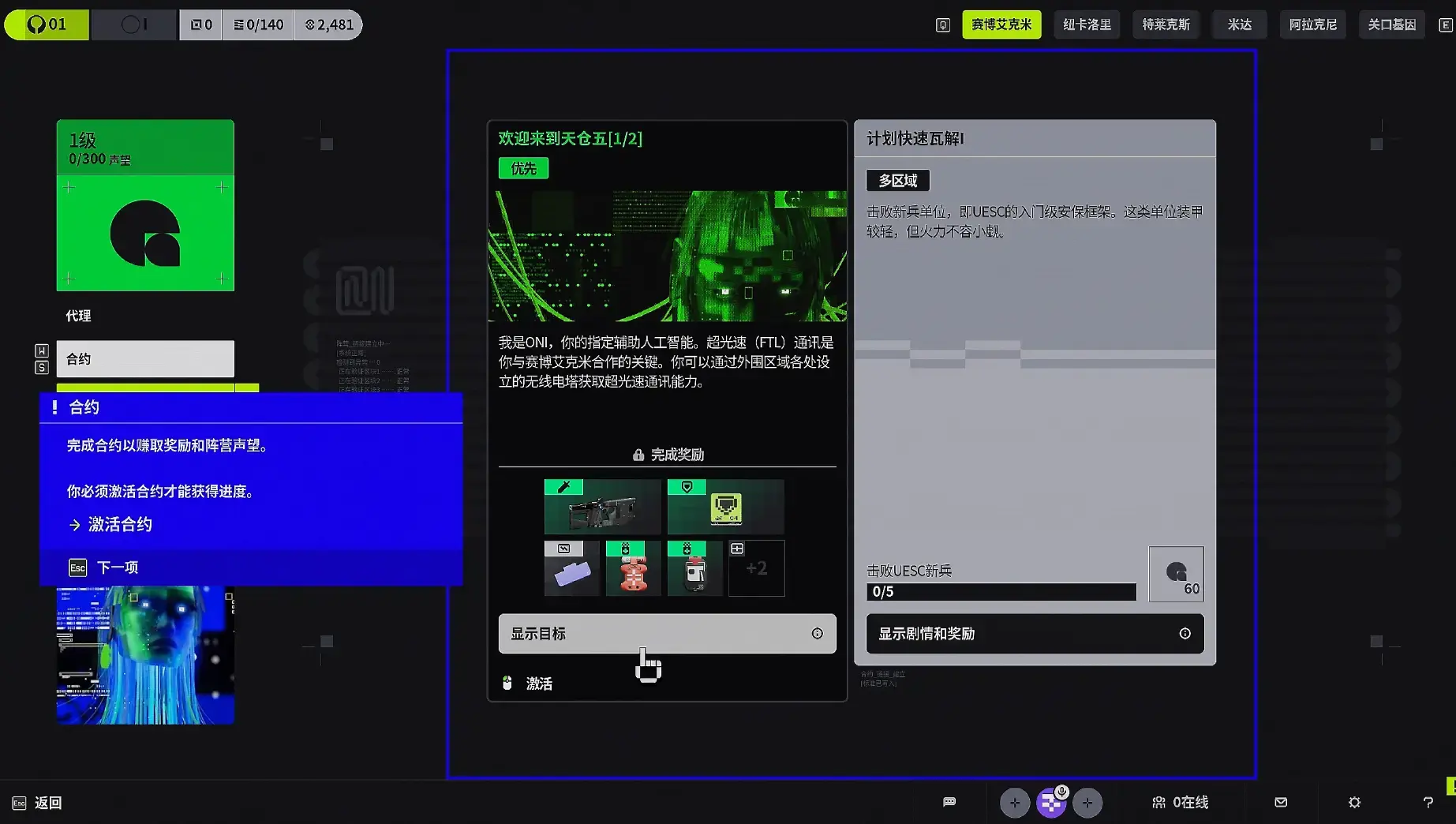
On the post-match settlement screen, the system will automatically sell exchangeable items for you to accumulate currency. Before each match, you must accept contracts. After completing contracts, you need to exchange them for certain rewards. Then you can choose a faction. As you accumulate currency and experience, more factions and contracts will become available.
Contracts
Various factions hire Runners to complete tasks on Tau Ceti IV. Task details are listed in the contracts. At any given time, only one contract of each type will be available.
Priority Contracts are one-time missions crucial to the faction’s interests and play a key role in uncovering the truth behind the events on Tau Ceti IV. These contracts offer exclusive rewards.
Standard Contracts are simple, repeatable tasks completed for factions, providing basic faction rewards. Standard contracts can be refreshed a limited number of times but will recover after a certain period.
As your faction level increases, you can unlock higher-level contracts, with both the quantity and quality of rewards increasing accordingly.
Team Shared Rewards
Completing contract objectives increases your reputation with the faction. When your teammates complete faction objectives, you will also receive additional reputation.
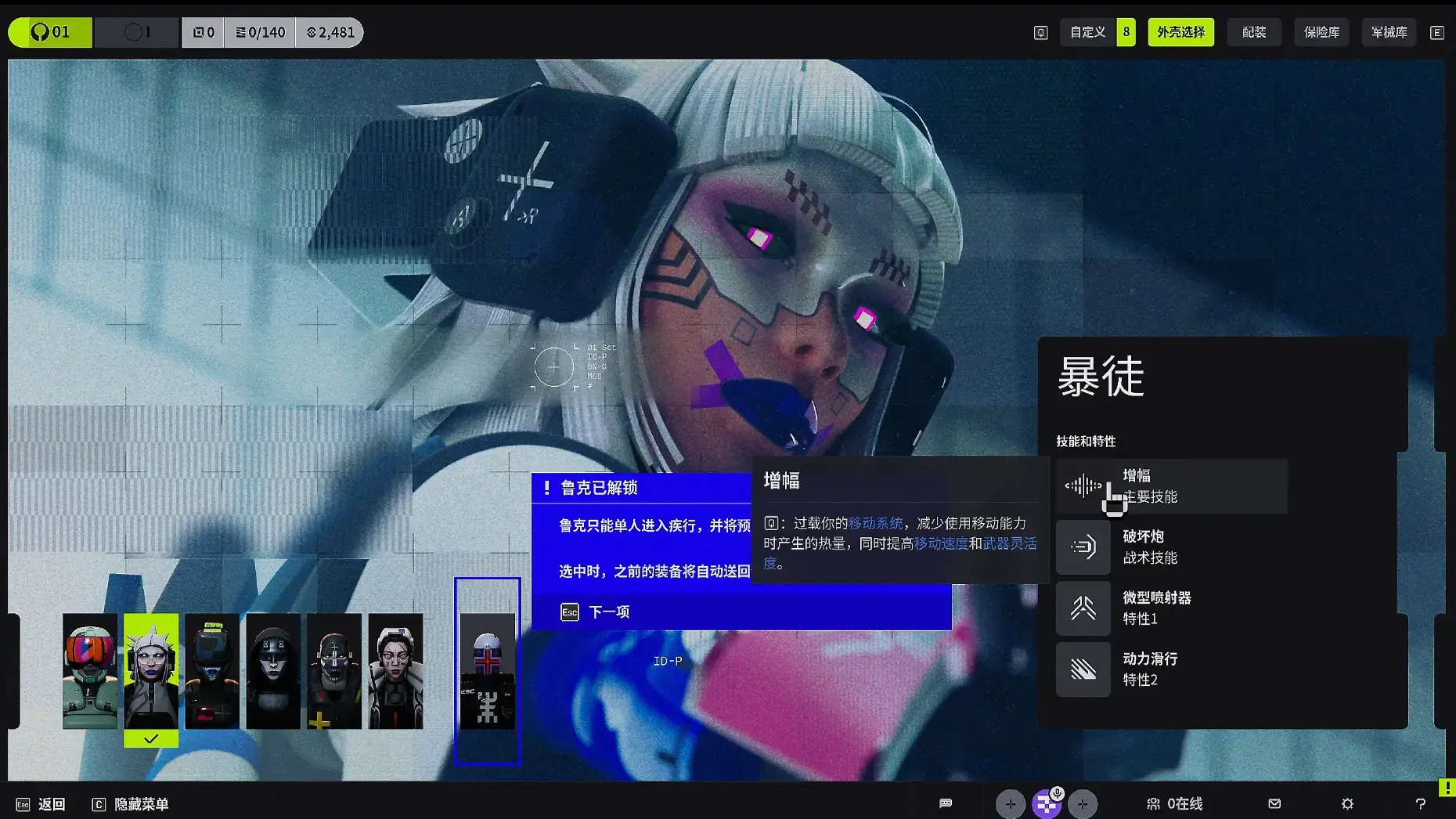
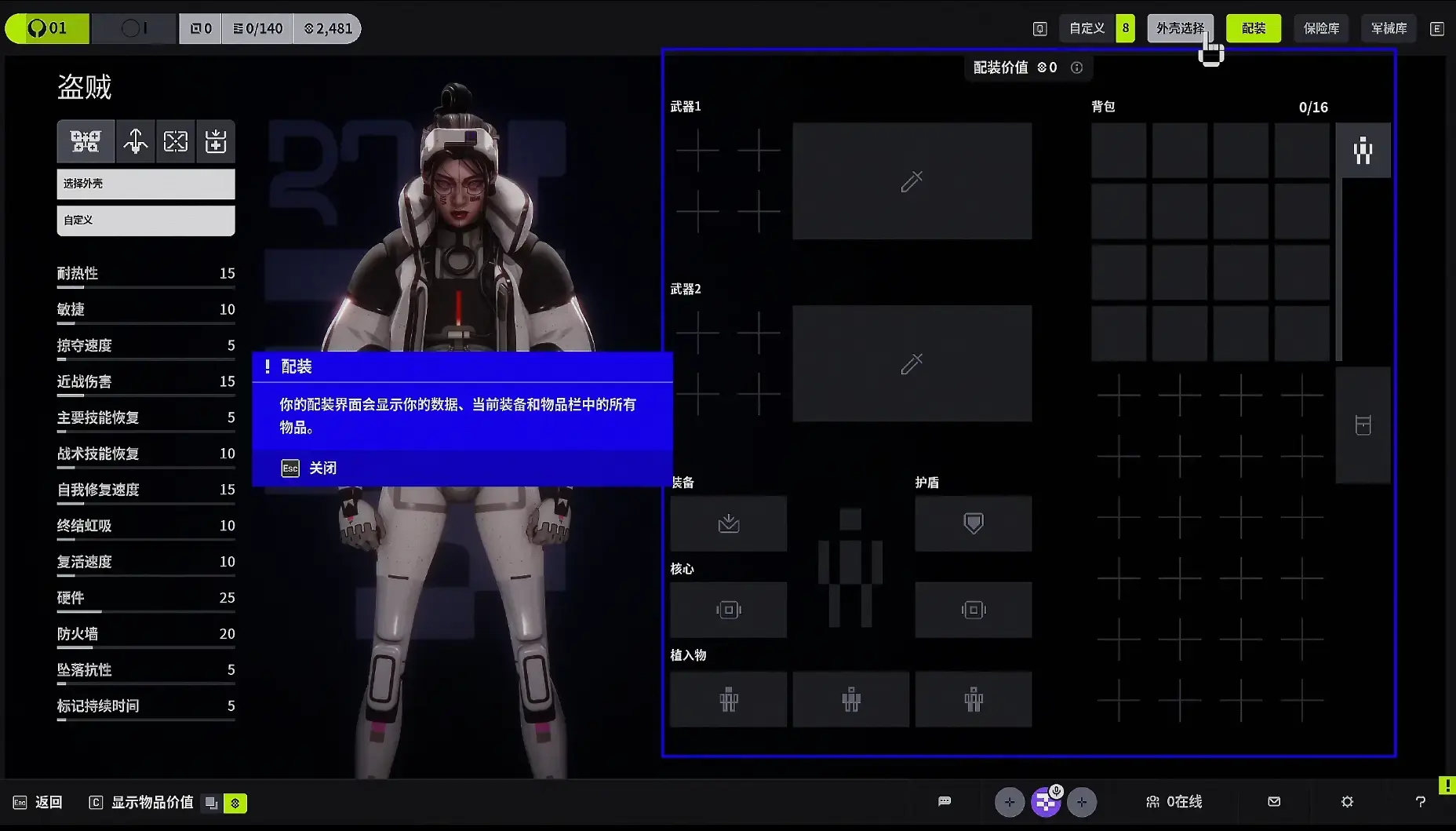
After completing the tutorial, you can customize your weapon system and character system. Each character has different styles and attributes, with clear explanations and guidance provided.
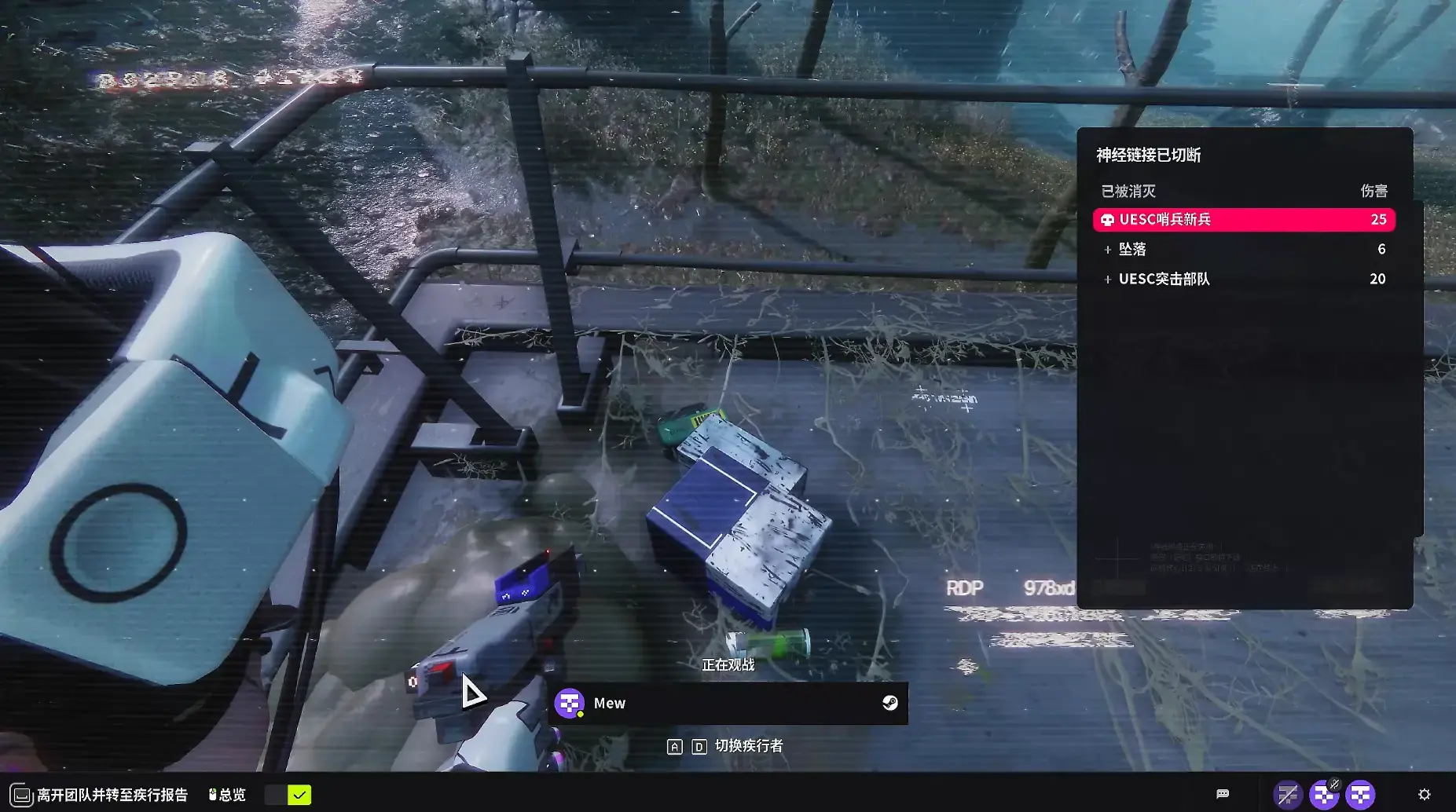
After you die, you can spectate your teammates and see your evacuation status. You can also exit directly, but then you won’t receive any rewards or experience.
Another important note: I played the Chinese version, and the Chinese voice acting is excellent. However, currently using Chinese input methods in-game causes the game to crash directly, so please be aware of this.
The above is the quick start guide for Marathon. Hope it’s helpful to you!
Marathon Database
Looking for a full breakdown of every weapon, runner, core, implant, mod, and item? Check out the Marathon Database — a complete interactive reference with filters and hover details for all in-game content.
About the author

Editor-in-Chief
Jack Cao is the founder and Editor-in-Chief of GameGuidesBox. He has been writing practical game guides for over a decade, specializing in action RPGs, extraction shooters, and competitive FPS. Every guide he signs is playtested first-hand: his logged test time includes 47 hours across two Crimson Desert playthroughs with DPS verification, 180 hours building a full Windrose settlement, and 45 hours across six Yunyun Syndrome endings runs. Favorite games include Titanfall 2, Baldur's Gate 3, Metro, PUBG, and CS2.
You may also like
Marathon Nightfall Refresh Guide: Reset, Rewards, Schedule
Marathon reset progression on October 6 and stopped doing fixed seasons. Here is what the Nightfall Refresh actually changed, the calendar that replaces the season, and what to run first.
Marathon Best Weapons Ranked + Loadout Combos
The full Season 2 weapon tier list for Marathon — launch arsenal plus the new KKV-9SD and D54 Battle Pistol — with loadout combos that pair each top gun with the right Shell and attachments.
Marathon Map Loot Routes: High-Value Extraction Timing
Optimized loot routes for every major zone on Tau Ceti IV, with extraction timing windows that maximize value per run.
Comments