Subnautica 2 Refund Bases Guide — How to Recover Materials
Refund Bases feature in Subnautica 2. How to remotely delete bases, recover materials, and useful tips.
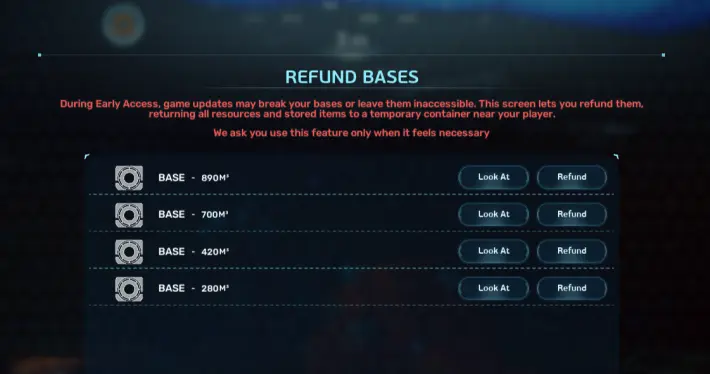
What Is Refund Bases?
Instantly remove bases and recover all materials
Instead of manually dismantling every module, this feature removes the selected base and returns all building materials and stored items.
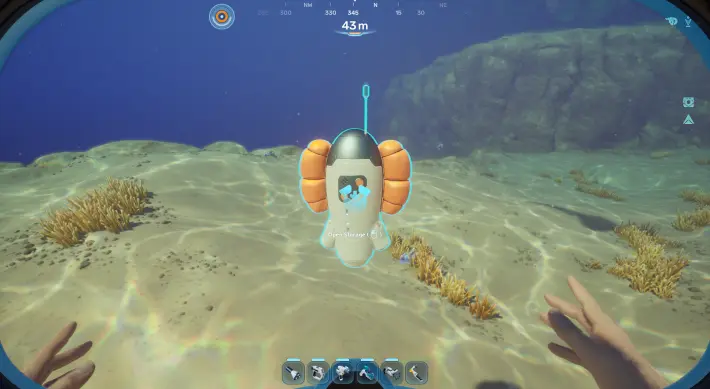 A temporary container appears beside you with all recovered items
How to Refund Bases
Step 1: Open Pause Menu
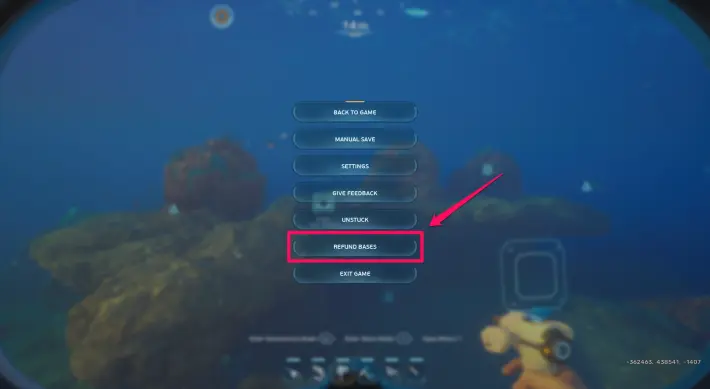 ESC on PC or Menu button on console → click Refund Bases
Step 2: Verify the Base
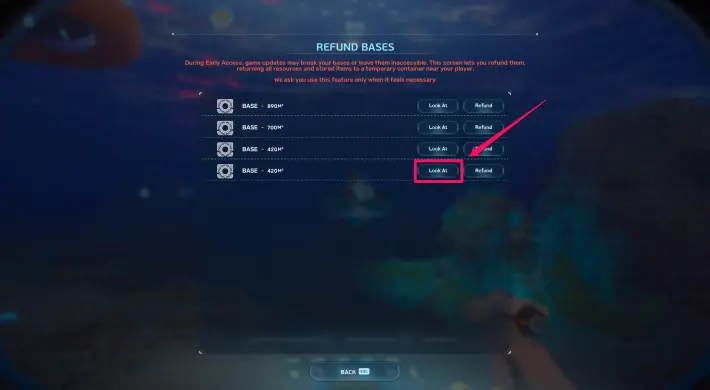 Click Look At to confirm you have the right base
Step 3: Click Refund
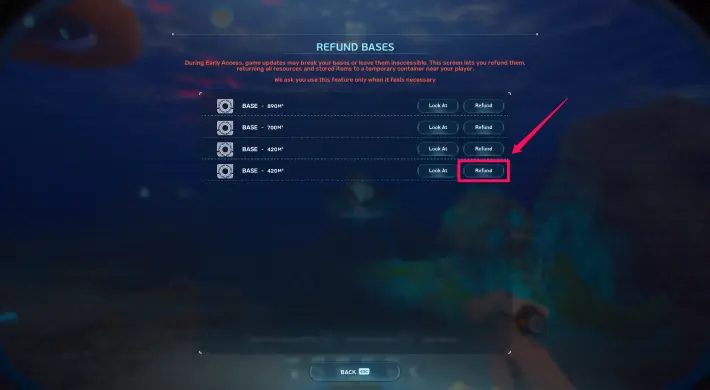 Base disappears and a container appears in front of you
Step 4: Open Temporary Container
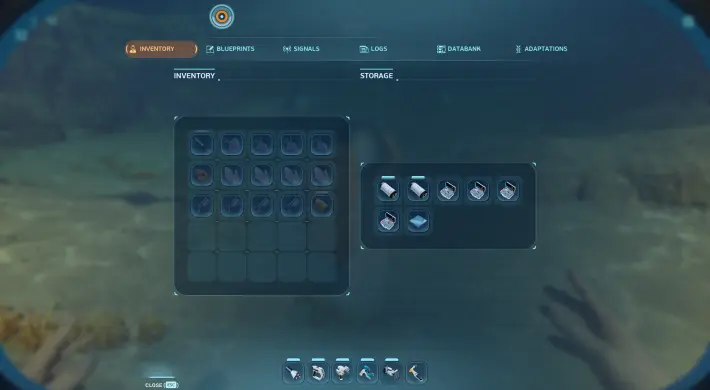 All recovered materials and stored items inside
Tips
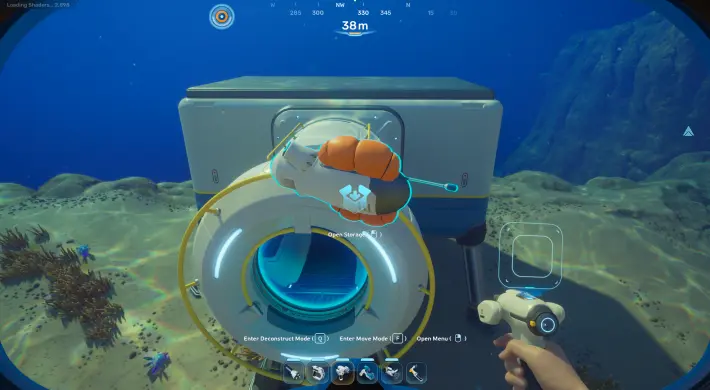 Travel to your new base location first
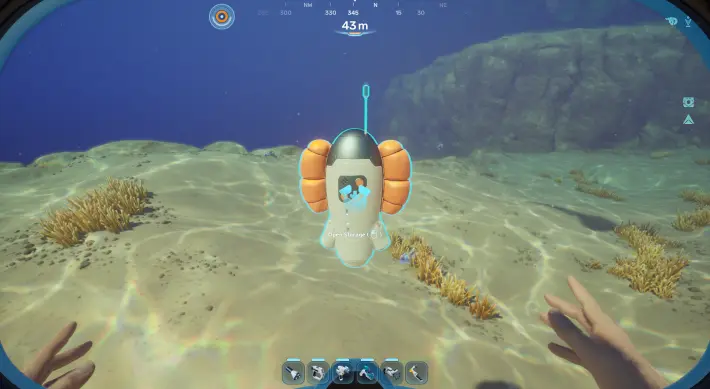 Temporary container cannot be moved
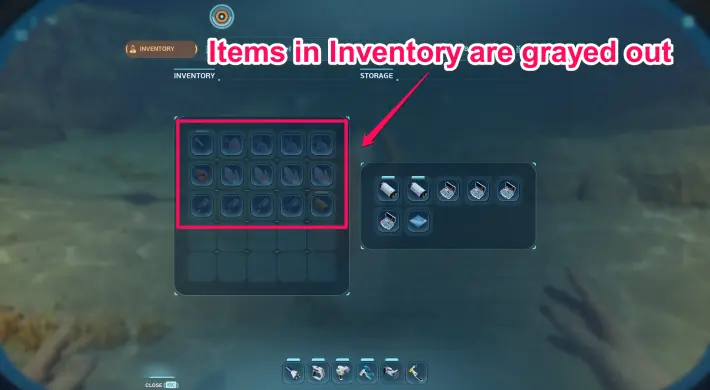 Make sure you have enough inventory space
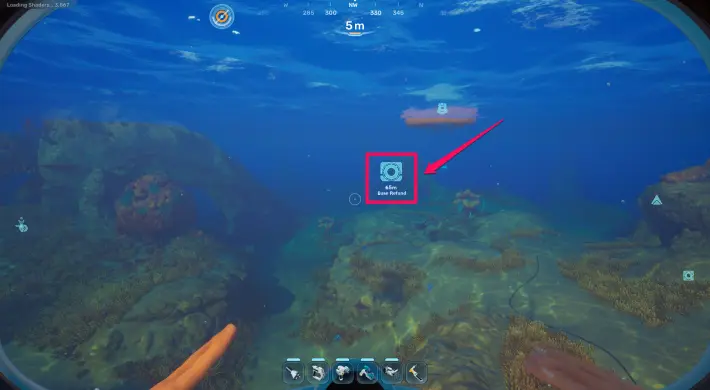 A Base Refund marker appears if you swim away
- Always use Look At first to verify the correct base
- Travel to your new base location before refunding
- Temporary container cannot be moved — have inventory space ready
- Empty containers disappear automatically
- A Base Refund marker appears if you swim away from the container
The Bottom Line: This is the kind of mechanic that seems obvious after you know it, but the game sure as hell won’t tell you upfront. I learned most of this the hard way — by drowning, starving, or getting eaten. The systems in Subnautica 2 are deep but fair. Once you understand how they work, survival stops being a struggle and starts being a strategy. And that’s when the real fun begins.
Frequently Asked Questions
What is the Refund Bases feature?
Instantly removes an entire constructed base from anywhere and returns all building materials and stored items to you via a temporary container.
How do I refund a base?
Open Pause Menu, click Refund Bases, use Look At to verify the base, then click Refund. A temporary container appears with all materials.
Can I undo a base refund?
No — there is no undo option or confirmation pop-up. Double-check the selected base before confirming.
About the author

Editor-in-Chief
Founder and Editor-in-Chief of gameguidesbox.com, began surfing the web in the late 19th century. Passionate about movies, coffee, gaming, and life itself. Favorite games include Titanfall 2, Baldur's Gate 3, Metro, PUBG, and CS2.
You may also like

Subnautica 2 - Complete Guide Hub
Your complete Subnautica 2 resource. Walkthrough progression, all biomes & POI maps, leviathan locations & scan tips, best biomods, cooking recipes, farming guides, vehicle upgrades, and an interactive database with all 65+ items, 18 buildings, and 12 biomes.
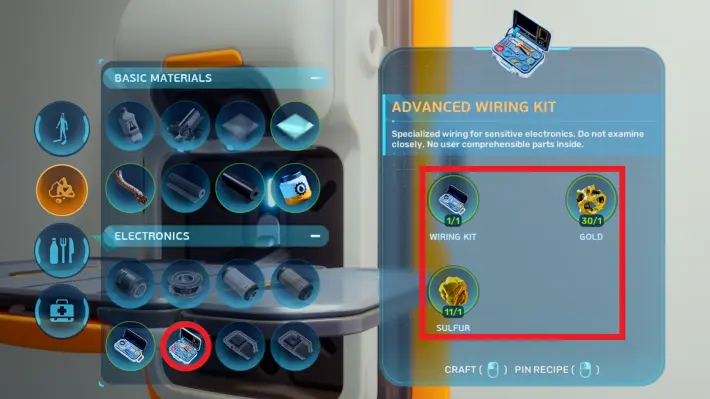
Subnautica 2 Advanced Wiring Kit Guide
How to craft the Advanced Wiring Kit in Subnautica 2. Recipe, unlock conditions, and items that require it.
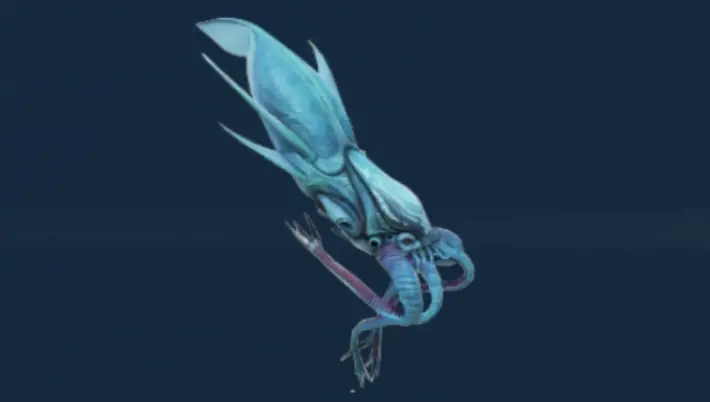
Subnautica 2 All Leviathans — Locations & How to Scan
Complete guide to all Leviathans in Subnautica 2. Collector, Shiver, Great Jaw, Deepwing Brooder locations and scan tips.
Comments