Subnautica 2 Inventory Upgrade — Biobed Locations
How to upgrade inventory in Subnautica 2. Scan Biobeds in Colonist Bunkers to permanently increase storage capacity.
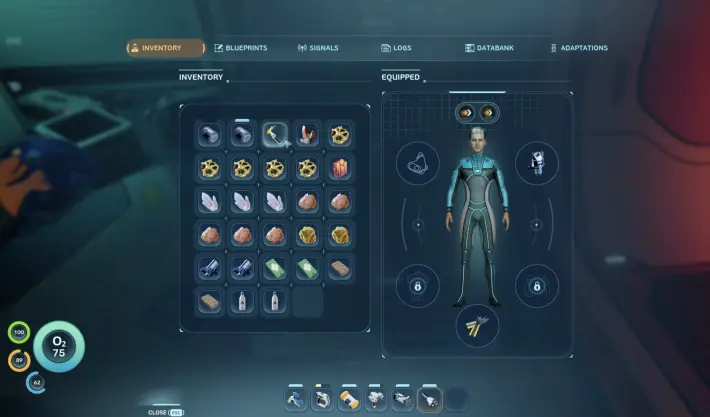
How to Upgrade Inventory
Scan Biobeds in Colonist Bunkers
Locate and scan Biobeds inside scattered Colonist Bunkers. Each scan permanently upgrades your total item storage.
Maximum Storage Capacity: 35 slots
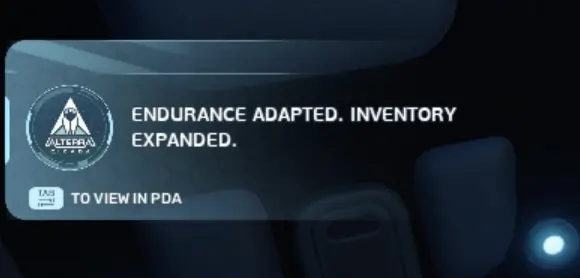 Early storage upgrades are a priority
Biobed Locations
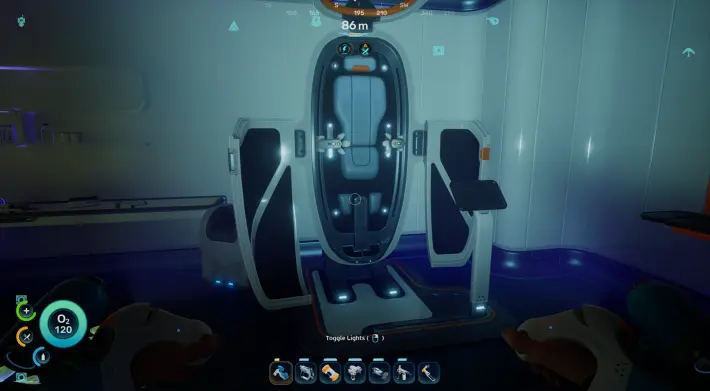 Underwater cave — coordinates: -334968, 414685, -8587
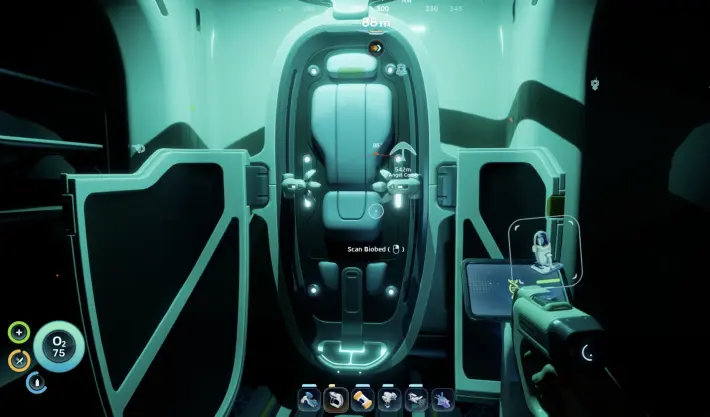 Nahema Bunker
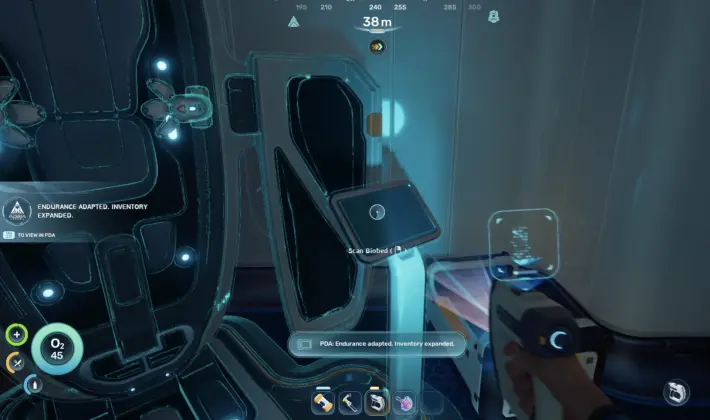 Colonist Bunker (Anita’s Garden)
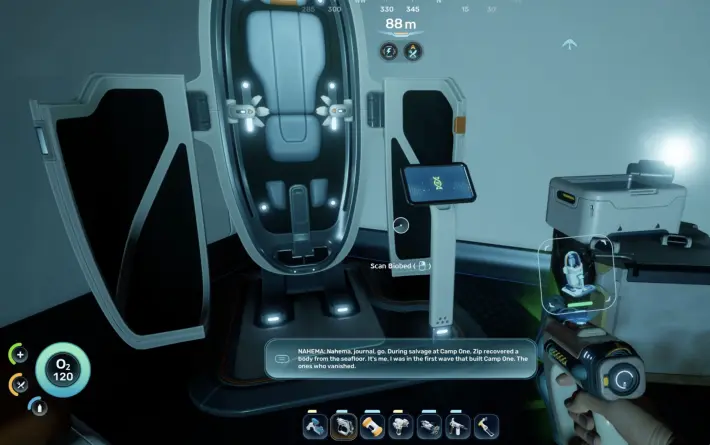 Near Welcome Center — coordinates: -352979, 450543, -8775
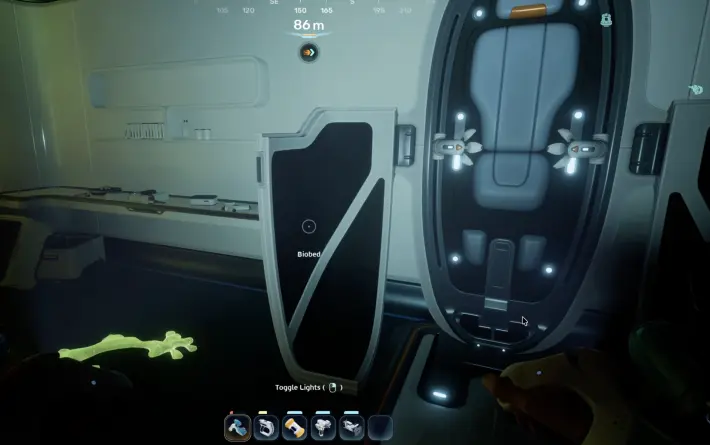 Under cave where Chap’s Blackbox is located
The Bottom Line: This is the kind of mechanic that seems obvious after you know it, but the game sure as hell won’t tell you upfront. I learned most of this the hard way — by drowning, starving, or getting eaten. The systems in Subnautica 2 are deep but fair. Once you understand how they work, survival stops being a struggle and starts being a strategy. And that’s when the real fun begins.
Frequently Asked Questions
How do I upgrade my inventory?
Scan Biobeds inside Colonist Bunkers. Each Biobed permanently increases your total item storage. Maximum capacity: 35 slots.
Where are Biobeds?
Found in Colonist Bunkers scattered across biomes: underwater cave (-334968, 414685, -8587), Nahema Bunker, Anita's Garden, Welcome Center area (-352979, 450543, -8775), and Chap's Blackbox cave.
About the author

Editor-in-Chief
Founder and Editor-in-Chief of gameguidesbox.com, began surfing the web in the late 19th century. Passionate about movies, coffee, gaming, and life itself. Favorite games include Titanfall 2, Baldur's Gate 3, Metro, PUBG, and CS2.
You may also like

Subnautica 2 - Complete Guide Hub
Your complete Subnautica 2 resource. Walkthrough progression, all biomes & POI maps, leviathan locations & scan tips, best biomods, cooking recipes, farming guides, vehicle upgrades, and an interactive database with all 65+ items, 18 buildings, and 12 biomes.
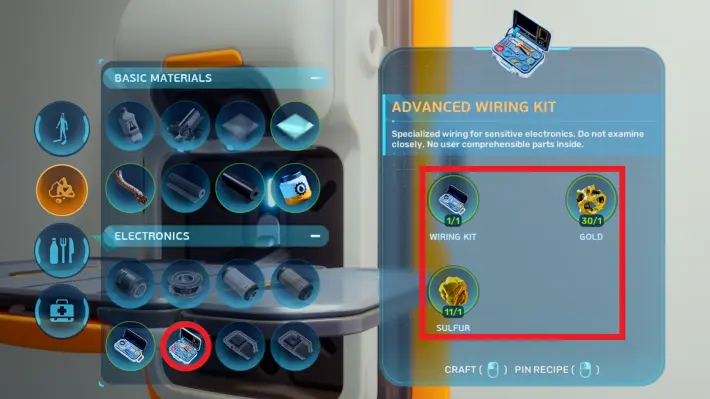
Subnautica 2 Advanced Wiring Kit Guide
How to craft the Advanced Wiring Kit in Subnautica 2. Recipe, unlock conditions, and items that require it.
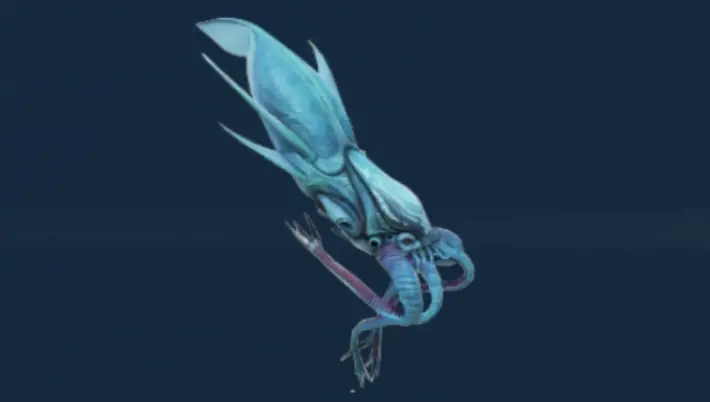
Subnautica 2 All Leviathans — Locations & How to Scan
Complete guide to all Leviathans in Subnautica 2. Collector, Shiver, Great Jaw, Deepwing Brooder locations and scan tips.
Comments