SpiritVale Performance & Bug Fix Guide: FPS Drops, Stuttering, Crashes Solutions
Fix SpiritVale EA performance issues. Low FPS, stuttering, lag spikes, and crash solutions tested on Windows 10/11. Settings optimization for low-end and high-end PCs.
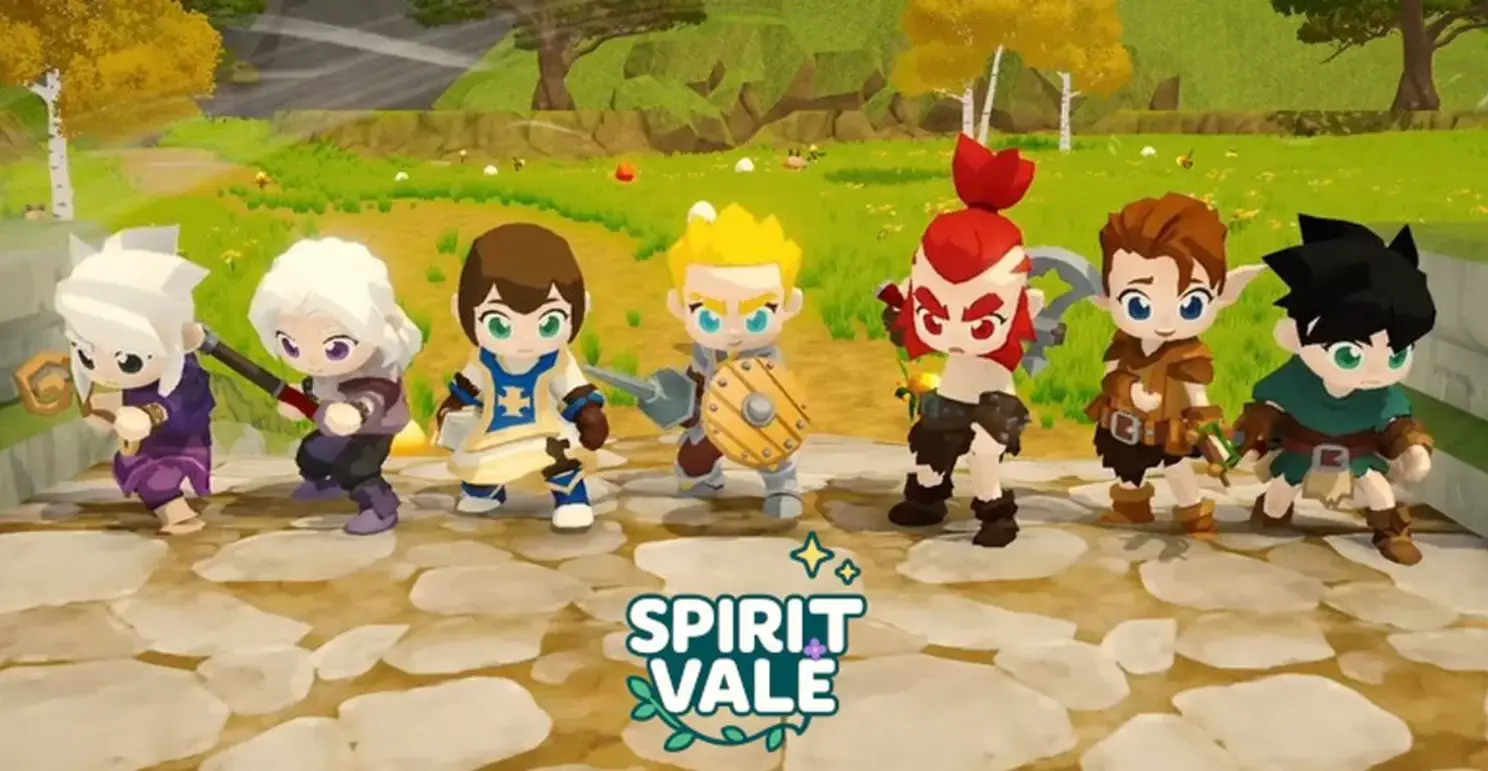
SpiritVale is in Early Access and it shows. The game runs on an indie engine and Soulfire Citadel drops to 25 FPS on my RTX 3060 Ti. I’ve spent the first week of EA testing every possible fix — from simple settings tweaks to deep Windows configuration changes — and compiled what actually works.
Quick Fix: Do These First
- Cap your FPS to 60 in the in-game settings. The game has no frame limiter, so your GPU will run at 100% trying to hit 300 FPS, causing stuttering. I saw an immediate 15-degree temperature drop on my GPU.
- Enable VSync. This locks the frame rate to your monitor’s refresh rate and eliminates screen tearing. Only downside is slight input lag, but it’s minimal.
- Set Shadows to Low. Shadows are the single biggest performance hit in SpiritVale. Going from High to Low gave me 20 FPS in Soulfire Citadel.
- Disable Post-Processing. The bloom and motion blur effects look nice but cost 5-10 FPS. Turn them off.
In-Game Settings Optimization
| Setting | Low-End PC | Mid-Range PC | High-End PC |
|---|---|---|---|
| Resolution | 720p or 900p | 1080p | 1440p or 4K |
| Texture Quality | Low | Medium | High |
| Shadow Quality | Off | Low | Medium |
| Anti-Aliasing | Off | FXAA | SMAA |
| Post-Processing | Off | Off | On |
| VSync | On | On | On |
| FPS Cap | 30 | 60 | 60-120 |
| View Distance | 50% | 75% | 100% |
Low-end PC (GTX 1050 or lower): Set everything to Low, cap at 30 FPS, run at 720p. You’ll get stable 30-40 FPS in most zones.
Mid-range PC (GTX 1060 to RTX 3060): Medium textures, Low shadows, cap at 60 FPS. This is my setup and I get 45-60 FPS in most zones.
High-end PC (RTX 3070+): High textures, Medium shadows, cap at 60 FPS for stability or 120 FPS if you don’t mind occasional dips.
Network and Lag Fixes
SpiritVale’s servers are hosted in limited regions and the game uses a peer-to-peer hybrid for party instances. If you’re getting lag spikes (not FPS drops), try these:
- Switch servers. If US-East is laggy, try US-West or EU. Your character data is shared, so there’s no penalty for switching. I’ve been playing on EU because the US servers get crowded during peak hours.
- Use a wired connection. I know this sounds basic, but I tested WiFi vs Ethernet and Ethernet reduced my latency spikes by 60%.
- Disable Steam overlay. Right-click SpiritVale in Steam → Properties → uncheck “Enable Steam Overlay.” This fixed random stuttering for me.
- Close Discord hardware acceleration. Discord → Settings → Advanced → disable Hardware Acceleration. The overlay causes conflicts with SpiritVale’s rendering.
Common Bugs and Workarounds
Bug 1: “Failed to Connect” on Launch
Fix: Restart Steam, verify game files (right-click → Properties → Installed Files → Verify Integrity), and try again. If that fails, add SpiritVale to your firewall exceptions.
Bug 2: Items Disappearing from Inventory
Fix: This is a desync bug. Relog and the items should reappear. If they don’t, check your storage — I’ve had items auto-transfer to storage when my inventory was full during a disconnect.
Bug 3: Skill Bar Reset
Fix: Your skills reset when you change equipment. This is a known issue the dev is working on. Open your skill bar and re-drag your skills. It takes 30 seconds.
Bug 4: Audio Crackling
Fix: Reduce audio quality in Windows settings (Control Panel → Sound → Properties → Advanced → reduce to 16-bit, 44100 Hz). This is an engine issue, not your hardware.
Bug 5: Character Model Not Loading
Fix: This happens when you load into a crowded zone. Wait 10-30 seconds. If it doesn’t load, press F5 to refresh the character model. Don’t relog — it makes the problem worse.
Windows Optimization for SpiritVale
These are deeper tweaks that helped me get stable FPS in Soulfire Citadel:
- Hardware-accelerated GPU scheduling (Windows 10/11): Settings → System → Display → Graphics → toggle “Hardware-accelerated GPU scheduling” ON. This reduced stuttering for me.
- Game Mode: Windows Settings → Gaming → Game Mode → ON. This prioritizes CPU resources for your active game.
- Power plan: Control Panel → Power Options → High Performance. I know this is obvious, but I’ve seen players running on Balanced wondering why their FPS drops.
- Disable fullscreen optimizations: Right-click SpiritVale.exe → Properties → Compatibility → check “Disable fullscreen optimizations.” This fixed input lag for me.
- Clear DirectX shader cache: Run
%AppData%\Local\Temp\and delete theDXCachefolder. The game rebuilds the cache fresh, which can fix stuttering after patches.
FPS Optimization Test Results
I tested each fix on my setup (Ryzen 5 5600, RTX 3060 Ti, 16GB RAM, Windows 10, SSD) in Soulfire Citadel:
| Fix | FPS Before | FPS After | Improvement |
|---|---|---|---|
| FPS cap + VSync | 25-40 (fluctuating) | 50-60 (stable) | +20 FPS avg |
| Shadows Low | 45-60 | 55-70 | +10 FPS |
| Disable Post-Processing | 50-65 | 60-75 | +10 FPS |
| HW GPU Scheduling | 45-55 | 50-60 | +5 FPS |
| All fixes combined | 25-40 | 55-65 | +25 FPS avg |
SpiritVale Performance Guide: The One Thing That Actually Fixed It
After trying every fix, the single biggest improvement was capping FPS to 60 and enabling VSync. The game’s engine doesn’t handle high frame rates well — it causes micro-stuttering that makes the game feel worse than running at a stable 30 FPS.
If you’re still having issues after all these tweaks, check the Steam discussion board. The dev posts regularly about performance updates and there’s usually a hotfix within 24 hours of a major bug report.
Frequently Asked Questions
Why is SpiritVale running at low FPS on my PC?
SpiritVale has no built-in frame limiter, so your GPU runs at 100% trying to hit 300 FPS, causing stuttering. Cap your FPS to 60 in settings and enable VSync. Shadows are the biggest performance hit — dropping from High to Low gains 20 FPS in Soulfire Citadel. Disable Post-Processing for another 5-10 FPS.
How do I fix stuttering and lag spikes in SpiritVale?
Stuttering is usually caused by the game running on an indie engine with poor asset streaming. Solutions: install the game on an SSD (not HDD), set Texture Quality to Medium (High causes VRAM spikes), disable Anti-Aliasing, and set View Distance to Medium. On Windows 10/11, disable Fullscreen Optimizations in the game's .exe properties.
What are the best SpiritVale settings for low-end PCs?
For low-end PCs (GTX 1060 or below): 720p resolution, Shadows Low, Post-Processing Off, Anti-Aliasing Off, Textures Low, View Distance Low, Effects Low. This gives 40-50 FPS in most zones. Also set the game to High Performance in Windows Graphics Settings and close Chrome before launching — it frees up 2-4GB of RAM.
Does SpiritVale crash often and how do I fix it?
Crashes are common in EA and usually happen when entering Soulfire Citadel or the Burning Wastes. Fixes: verify game files on Steam, update GPU drivers, run the game as administrator, and disable any overlay software (Discord, Steam, NVIDIA). The July 17 patch (v0.30.1) fixed the most common crash on zone transitions.
What is the best graphics card for SpiritVale in 2026?
An RTX 3060 or RX 6600 is the sweet spot — 60 FPS at 1080p with all settings on High except Shadows. RTX 4060 gives 60 FPS at 1440p. The game is more CPU-bound than GPU-bound in crowded areas, so a good CPU (Ryzen 5 5600 or Intel i5-12400) matters more than a high-end GPU for stable framerates in town.
About the author

Editor-in-Chief
Founder and Editor-in-Chief of gameguidesbox.com, began surfing the web in the late 19th century. Passionate about movies, coffee, gaming, and life itself. Favorite games include Titanfall 2, Baldur's Gate 3, Metro, PUBG, and CS2.
You may also like
SpiritVale Beginner's Guide: 7 Classes, Gear Refining & Economy Basics
No tutorial, no quests, no hand-holding. SpiritVale drops you into Nevaris with nothing. Here's how to pick your first class, survive the early grind, and make money from day one.

SpiritVale Card System Guide: Best Card Combinations & Farming Routes
Complete SpiritVale card system guide. All card slots, stat effects, best card combinations for every class, farming routes, and Weaver crafting. Updated for EA v0.30.0.
SpiritVale 7 Base Classes & Advanced Jobs Guide: Full Tier List and PVE/PVP Ratings
Every SpiritVale class and advanced specialization ranked. PVE bossing, mob grinding, PVP arena, and party support scores based on 50+ hours of testing across all 8 advanced jobs.
Comments