Marathon quick start guide,too many items are designed to be dazzling
A quick and brief guide before playing.When you first enter the game, you'll experience a completely different art style compared to other games.
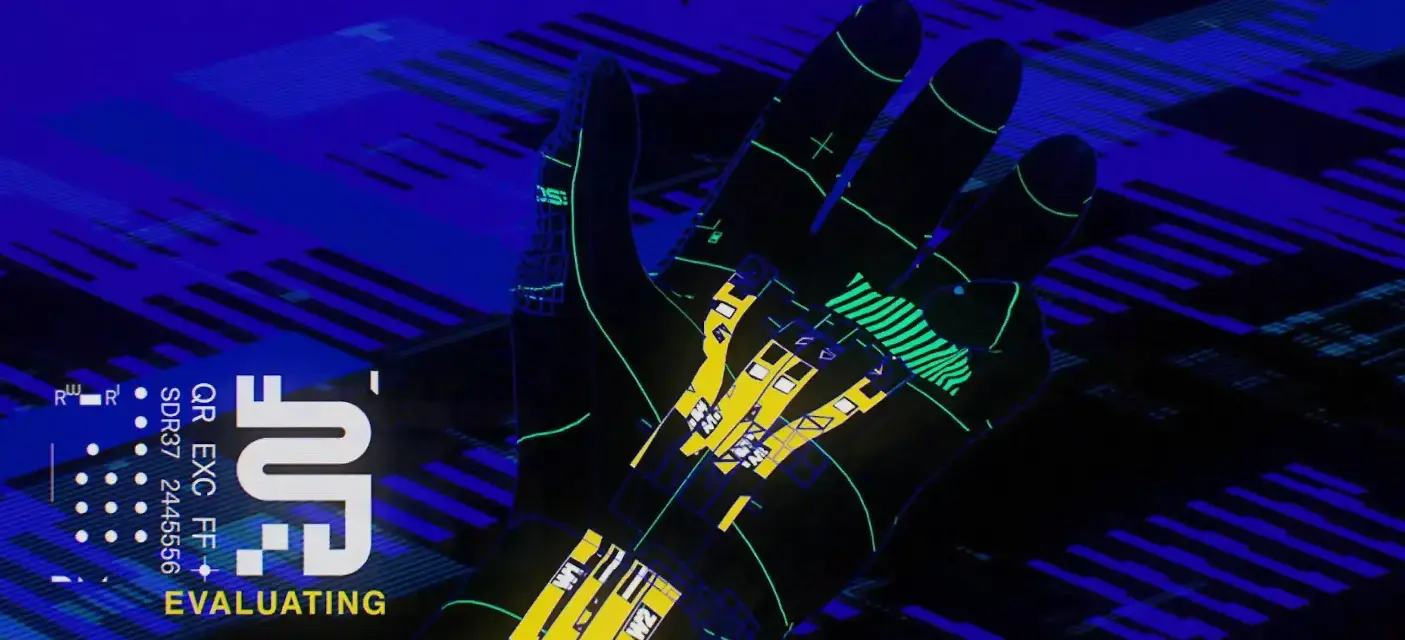
Marathon Quick Start Guide
When you first enter the game, you’ll experience a completely different art style compared to other games. I think this is BUNGIE’s biggest surprise this time.
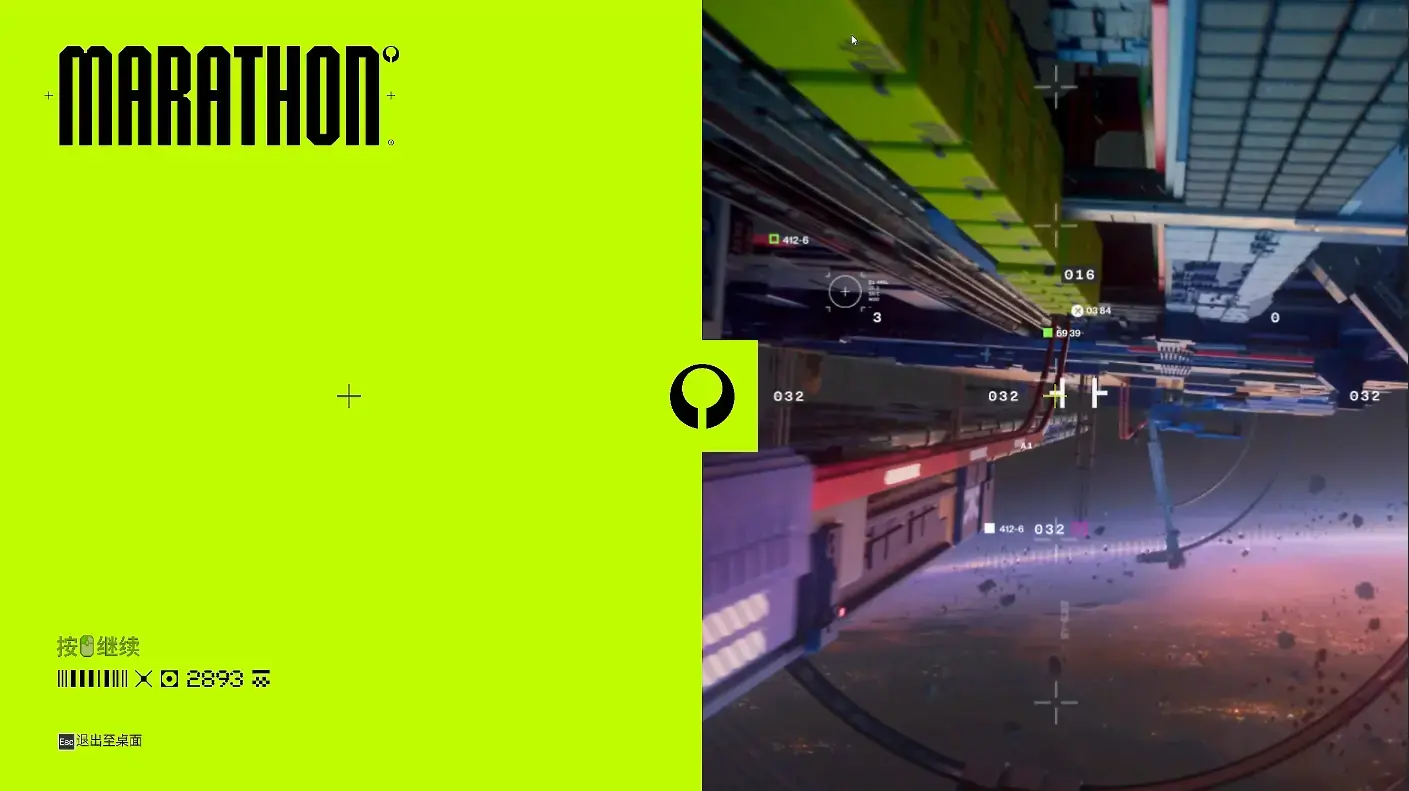
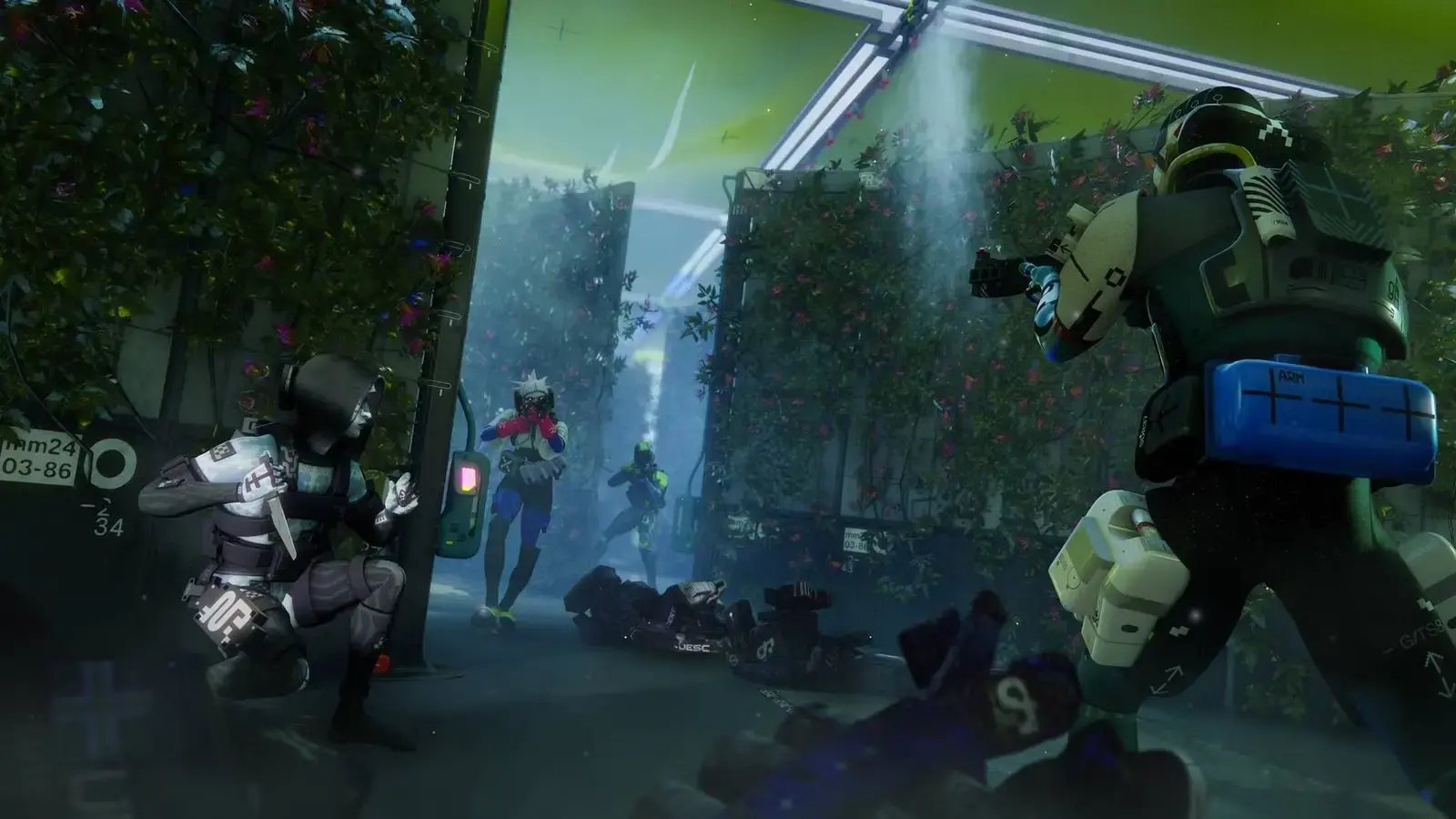
Then there will be about a 3-minute opening animation with extremely dazzling colors. The next-generation art style is very noticeable and can evoke associations with many elements: Cyberpunk 2077, Ghost in the Shell, Apex Legends, Transcendence, and more. What stands out is how perfectly the game’s soundtrack and visuals blend together.
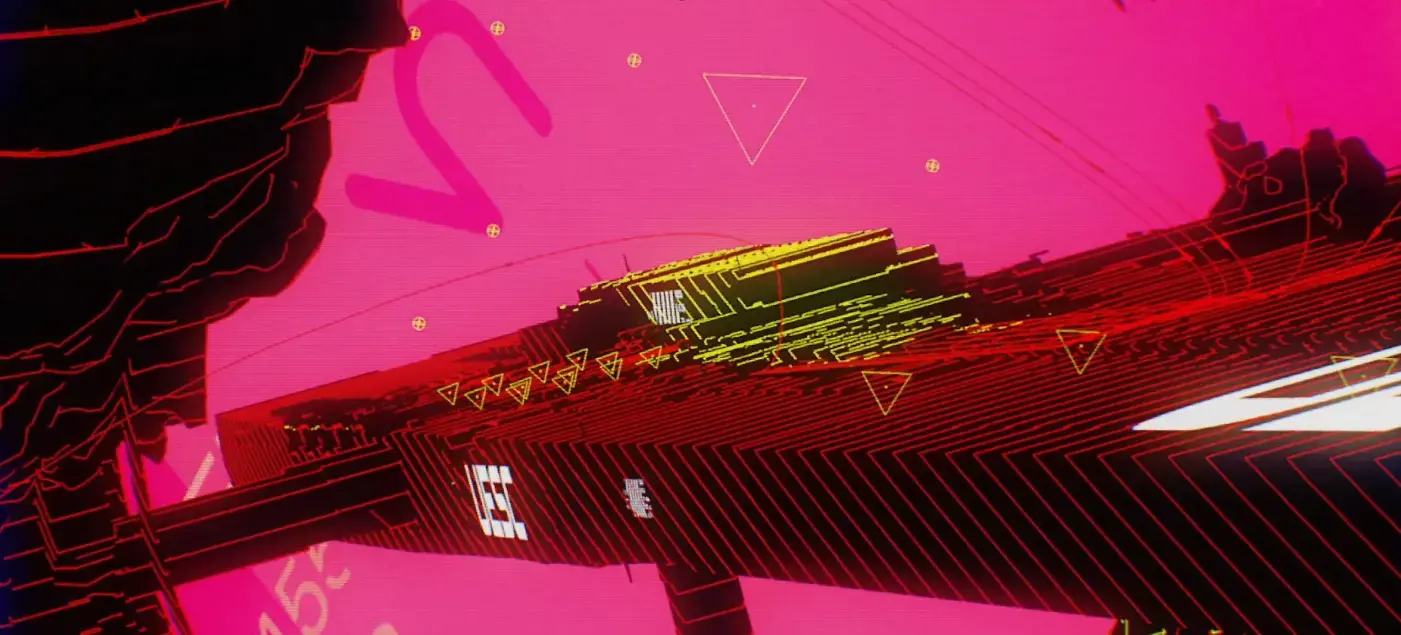

The opening animation uses a highly abstract style to briefly introduce the concept of “Shell” and the target mission location Tau Ceti IV. Some background information should be added here: The “Lost Starship” in “Lost Starship: Marathon” refers to the UESC Marathon (UESC Marathon), which originates from Bungie’s classic 1994 sci-fi shooter game trilogy “Marathon”.
[!NOTE] According to authoritative public sources:
- Original Setting: The UESC Marathon is a human colony ship that arrived at Tau Ceti IV in 2794 to establish a colony. It was later invaded by the alien race Pfhor, leading to infighting among the three onboard AIs (Leela, Durandal, Tycho), ultimately causing chaos in the colony.
- Reboot Timeline: The story of “Lost Starship: Marathon” takes place in 2893, approximately a century after the original events. By this time, the UESC Marathon has long been out of contact, and Tau Ceti IV has become an abandoned, dangerous dead zone, referred to as the “Lost Starship”.
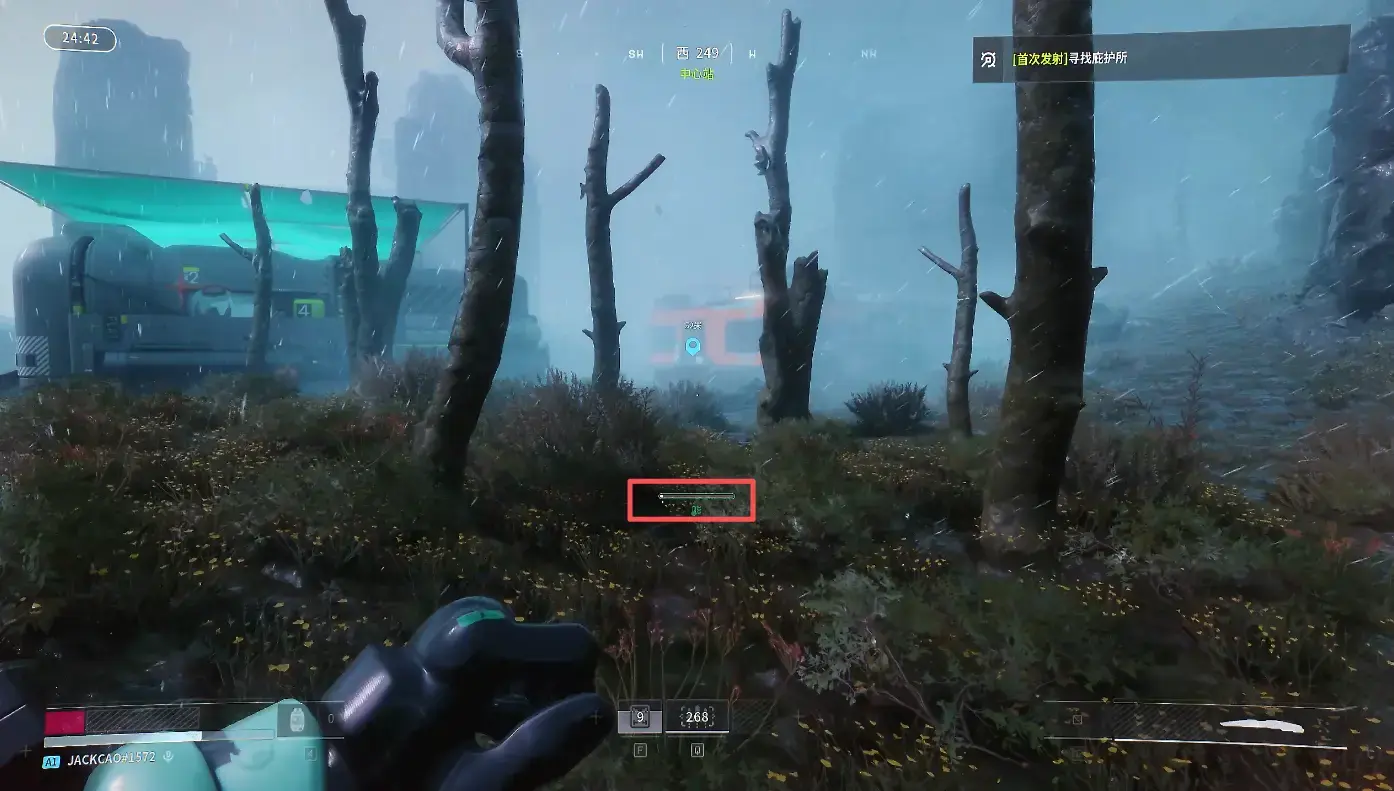
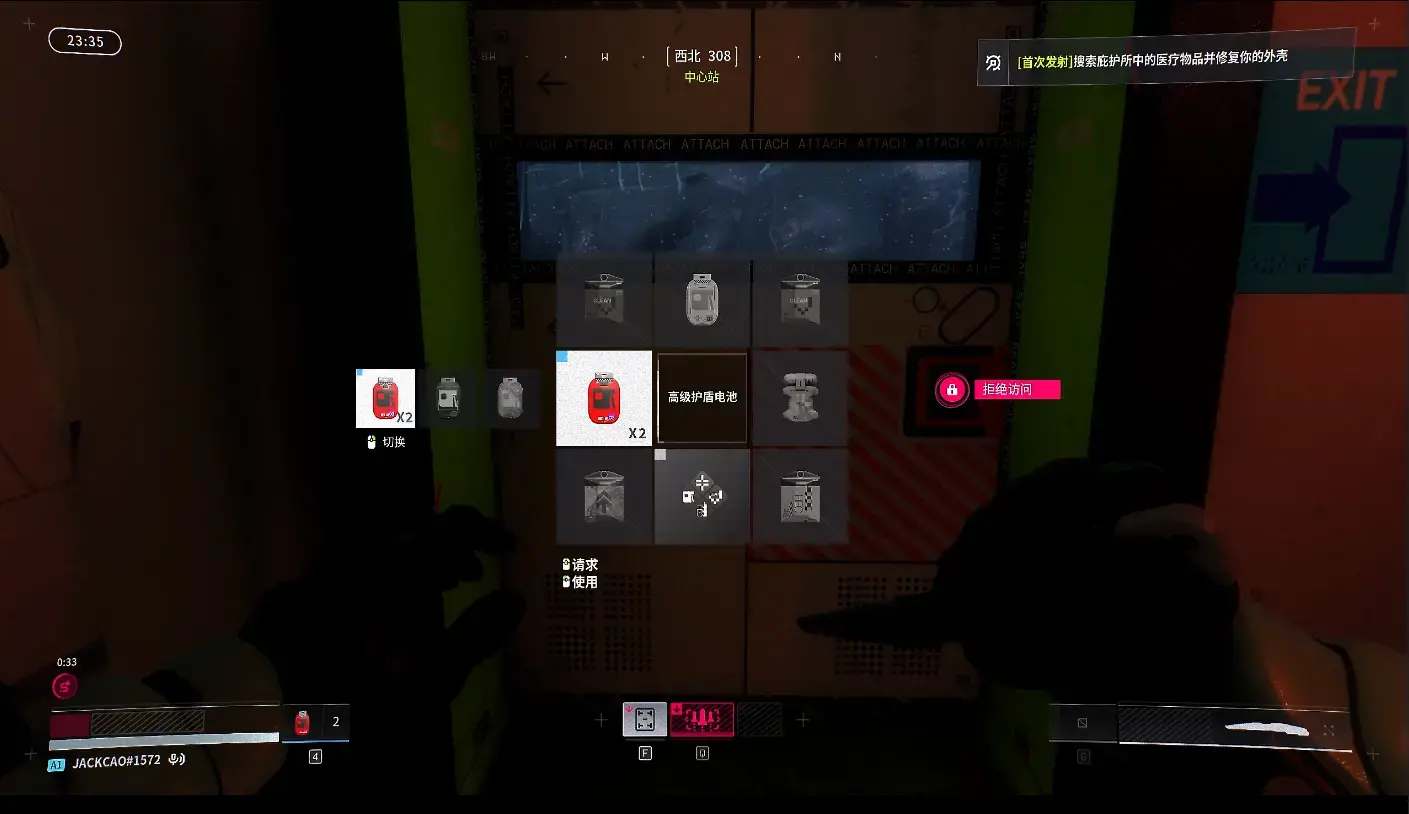
After the opening animation ends, you directly enter the game hub station. The initial interface is relatively simple, and the controls are basically the same as current FPS games, requiring no special explanation. Note that using Shift to sprint (as shown in the red box) will cause your cybernetic body to overheat, and stopping to rest or walking normally will gradually recover it. Following the prompts, you’ll gradually learn about the protection and healing systems.
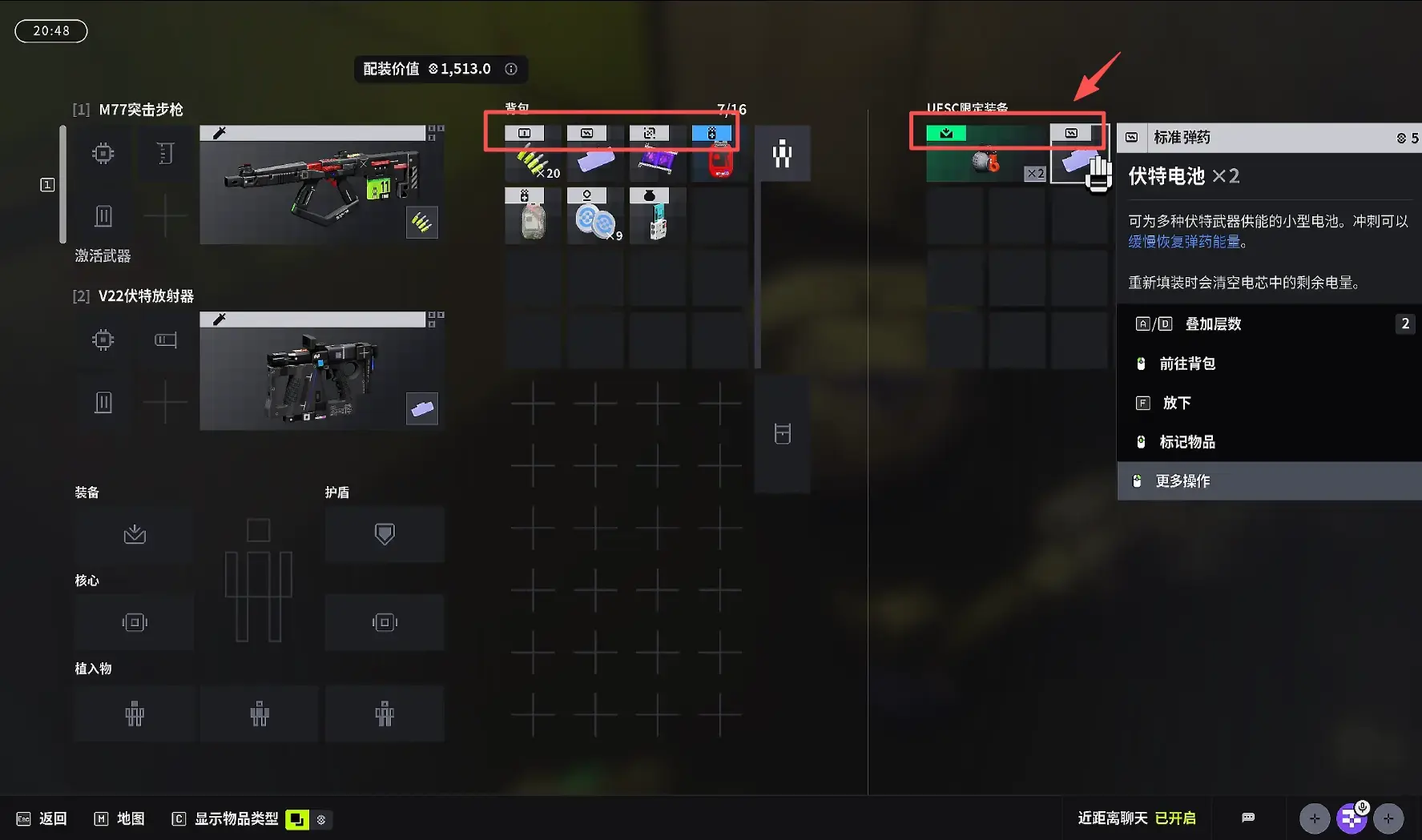
During gameplay, I personally feel that although the interface is simple, the items are quite complex. Pay attention to each icon in the inventory; only those that match the same status bar on your left side can be used. Additionally, the initial backpack is relatively small and can’t hold too many items. If you die, all items will be cleared. You might spend some time initially identifying items.
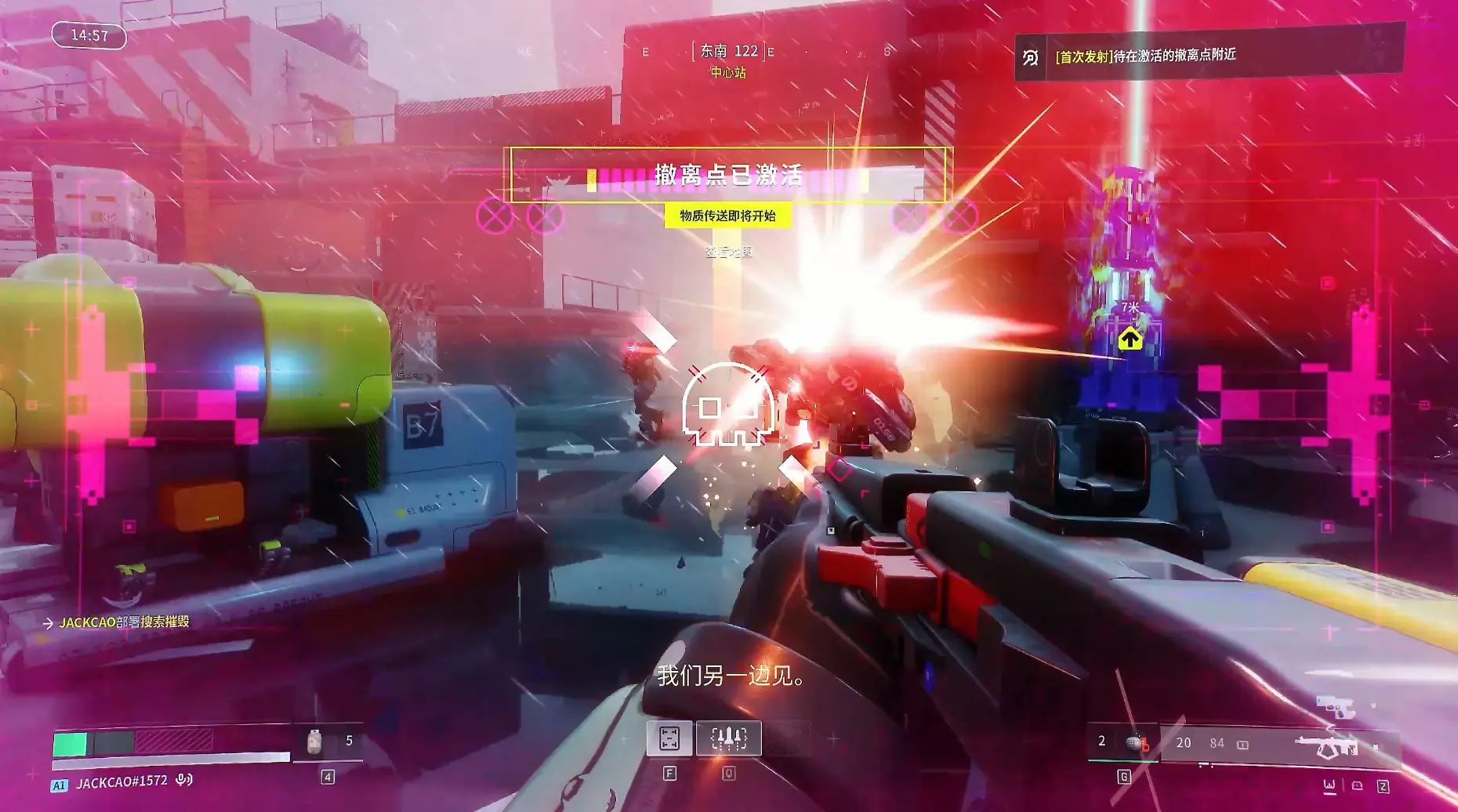
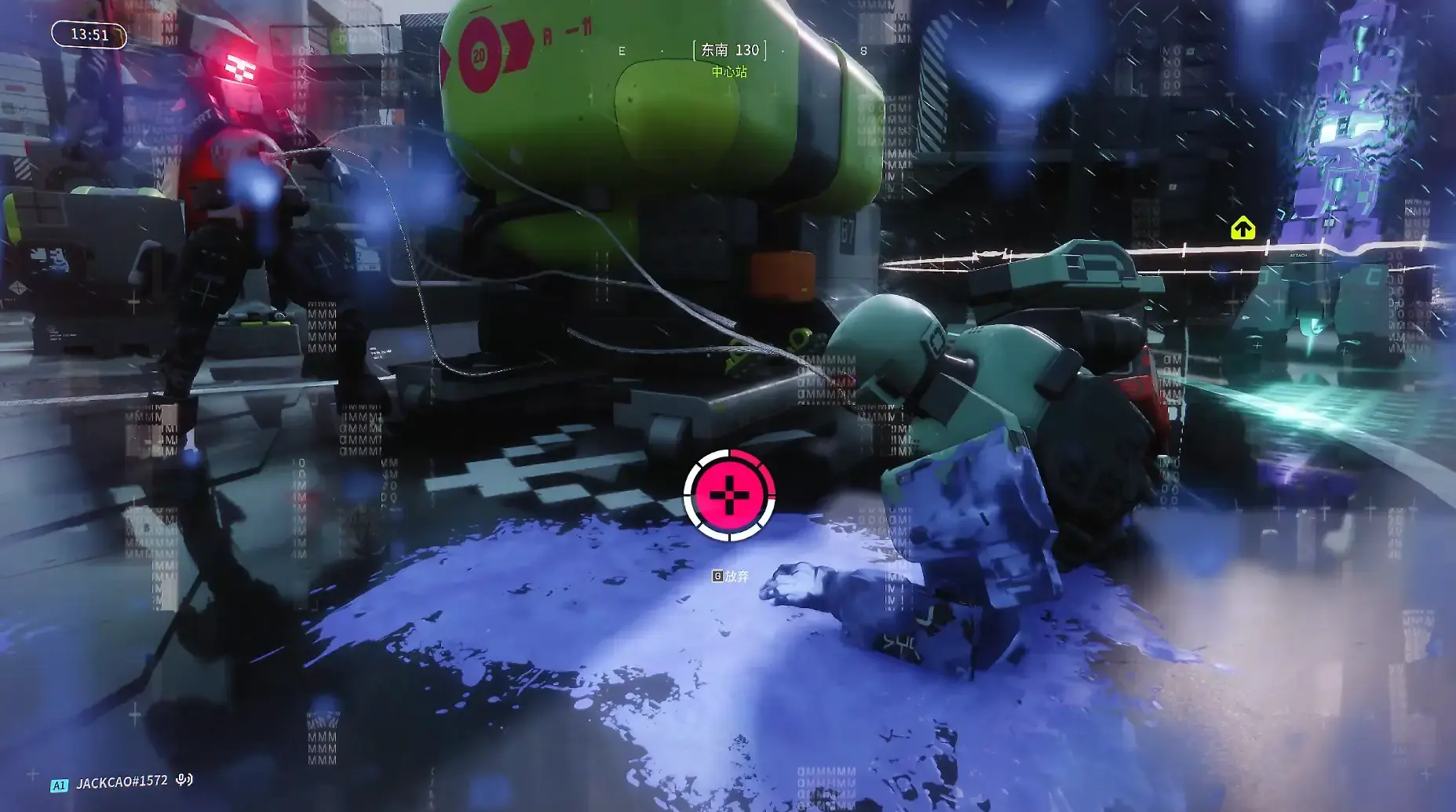
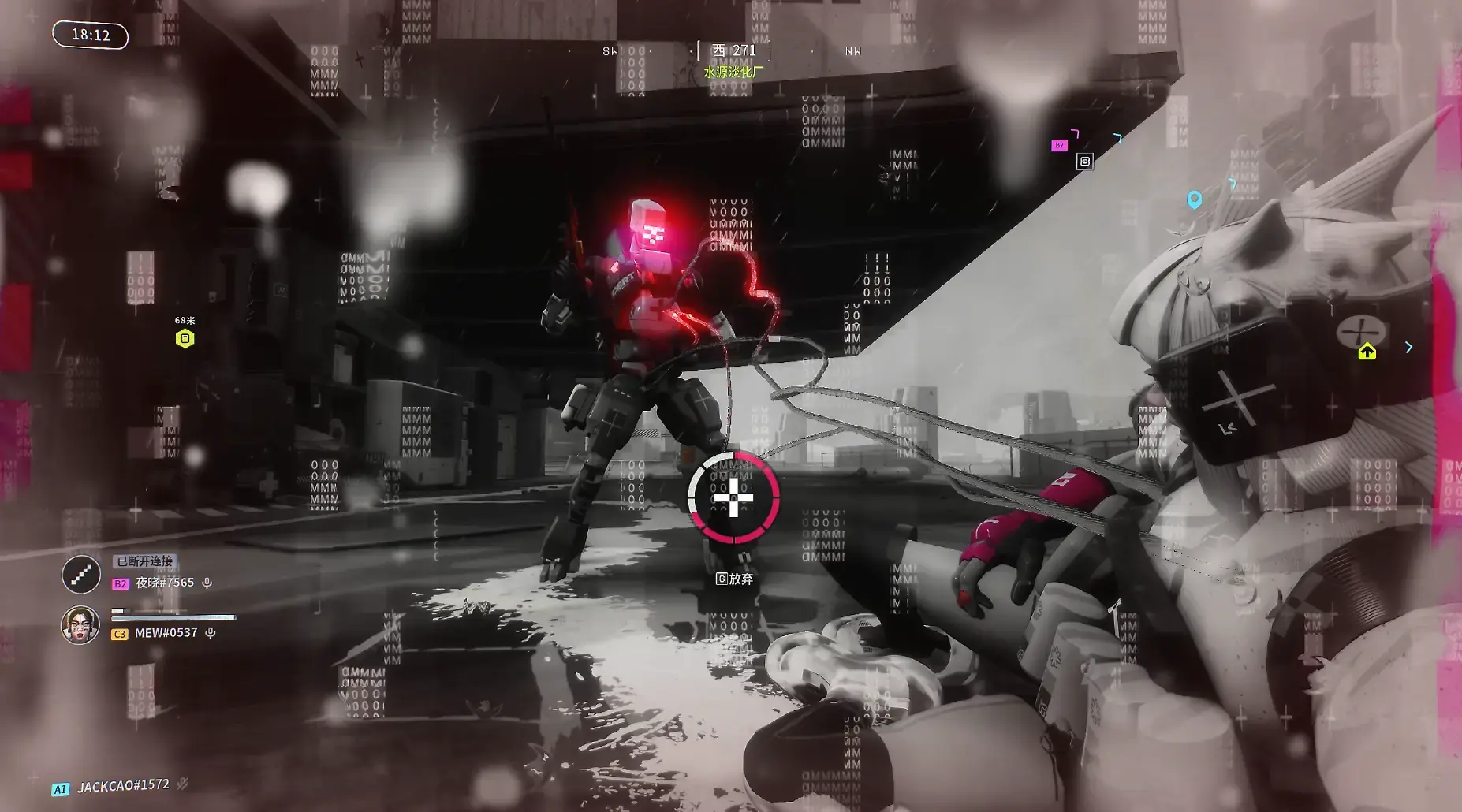
When you’re downed, if enemies deploy “tentacles” on you, it will cause you to lose health faster. However, you can still successfully evacuate while in the downed state. Worth mentioning is the sound effects; the game’s audio will increase in tempo as the evacuation time counts down, constantly boosting your adrenaline during gameplay.
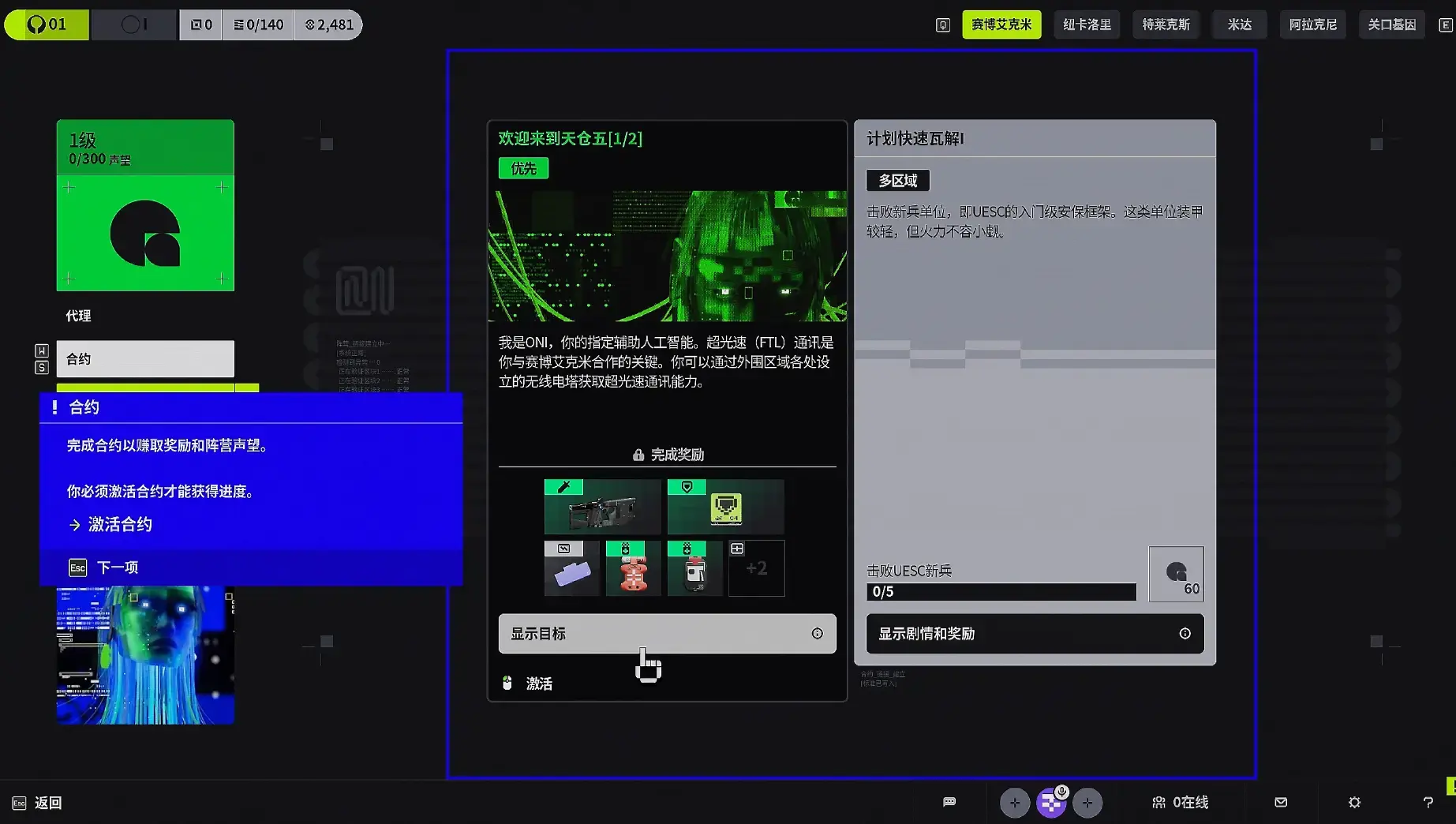
On the post-match settlement screen, the system will automatically sell exchangeable items for you to accumulate currency. Before each match, you must accept contracts. After completing contracts, you need to exchange them for certain rewards. Then you can choose a faction. As you accumulate currency and experience, more factions and contracts will become available.
Contracts
Various factions hire Runners to complete tasks on Tau Ceti IV. Task details are listed in the contracts. At any given time, only one contract of each type will be available.
Priority Contracts are one-time missions crucial to the faction’s interests and play a key role in uncovering the truth behind the events on Tau Ceti IV. These contracts offer exclusive rewards.
Standard Contracts are simple, repeatable tasks completed for factions, providing basic faction rewards. Standard contracts can be refreshed a limited number of times but will recover after a certain period.
As your faction level increases, you can unlock higher-level contracts, with both the quantity and quality of rewards increasing accordingly.
Team Shared Rewards
Completing contract objectives increases your reputation with the faction. When your teammates complete faction objectives, you will also receive additional reputation.
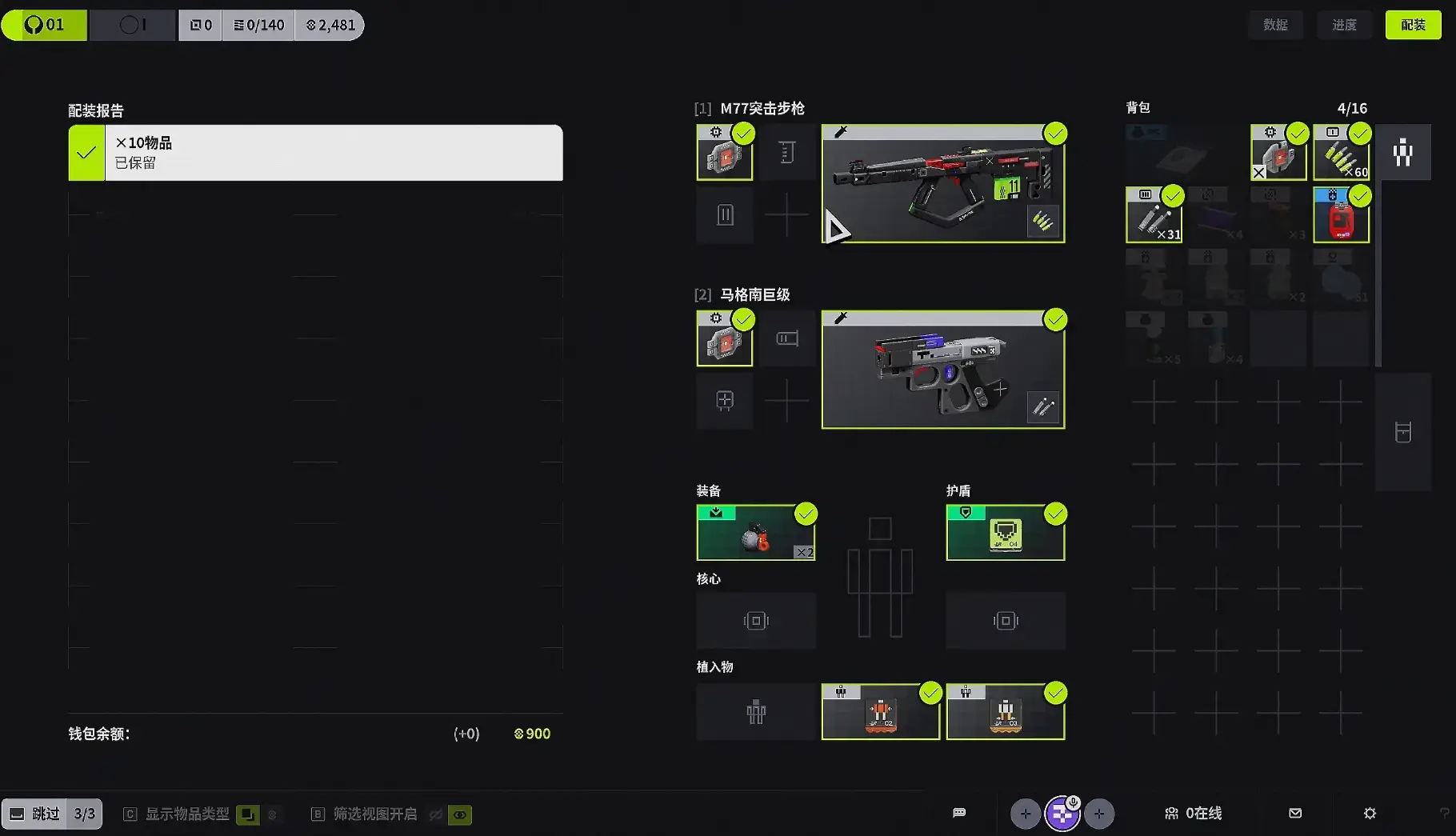
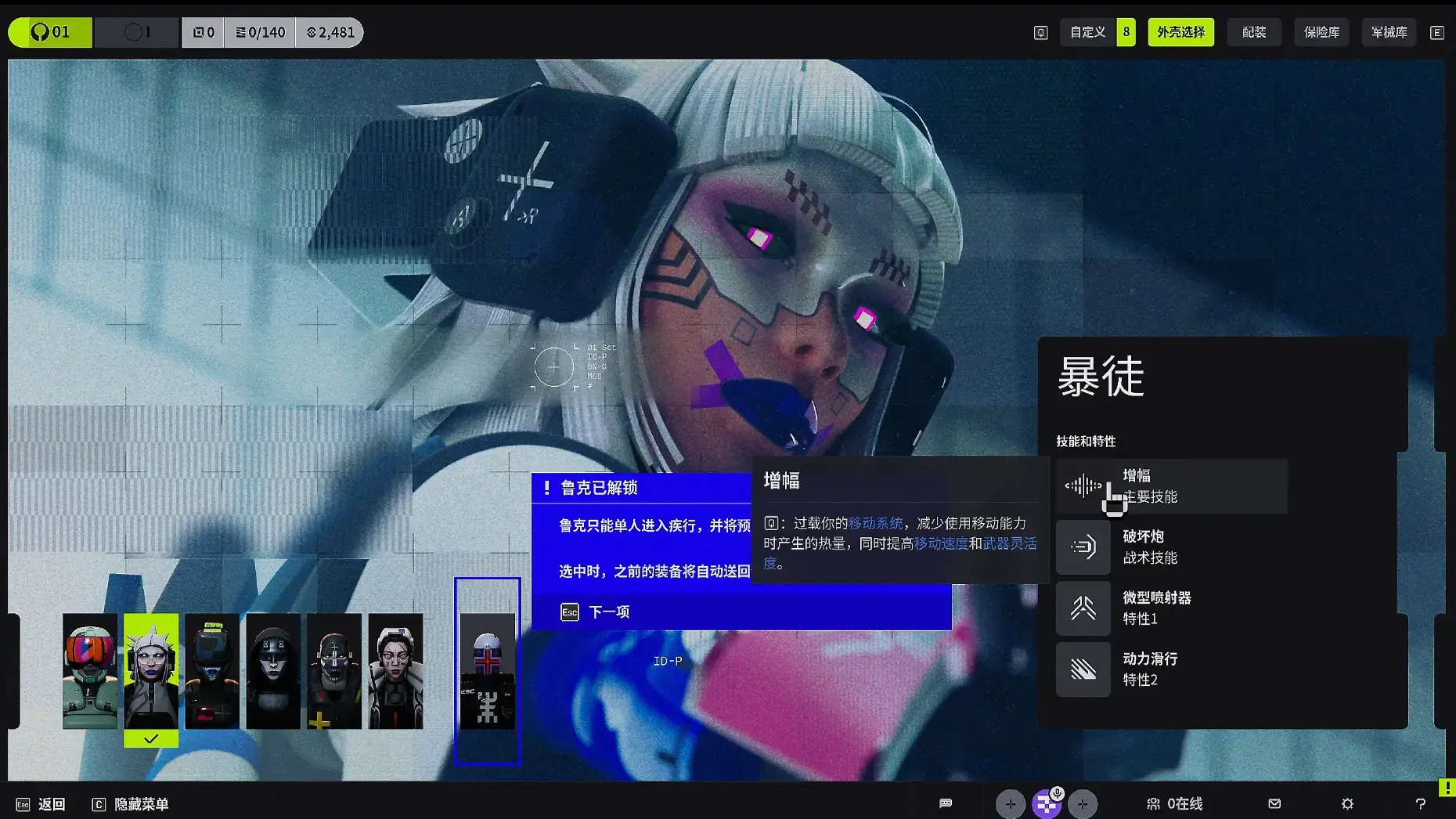
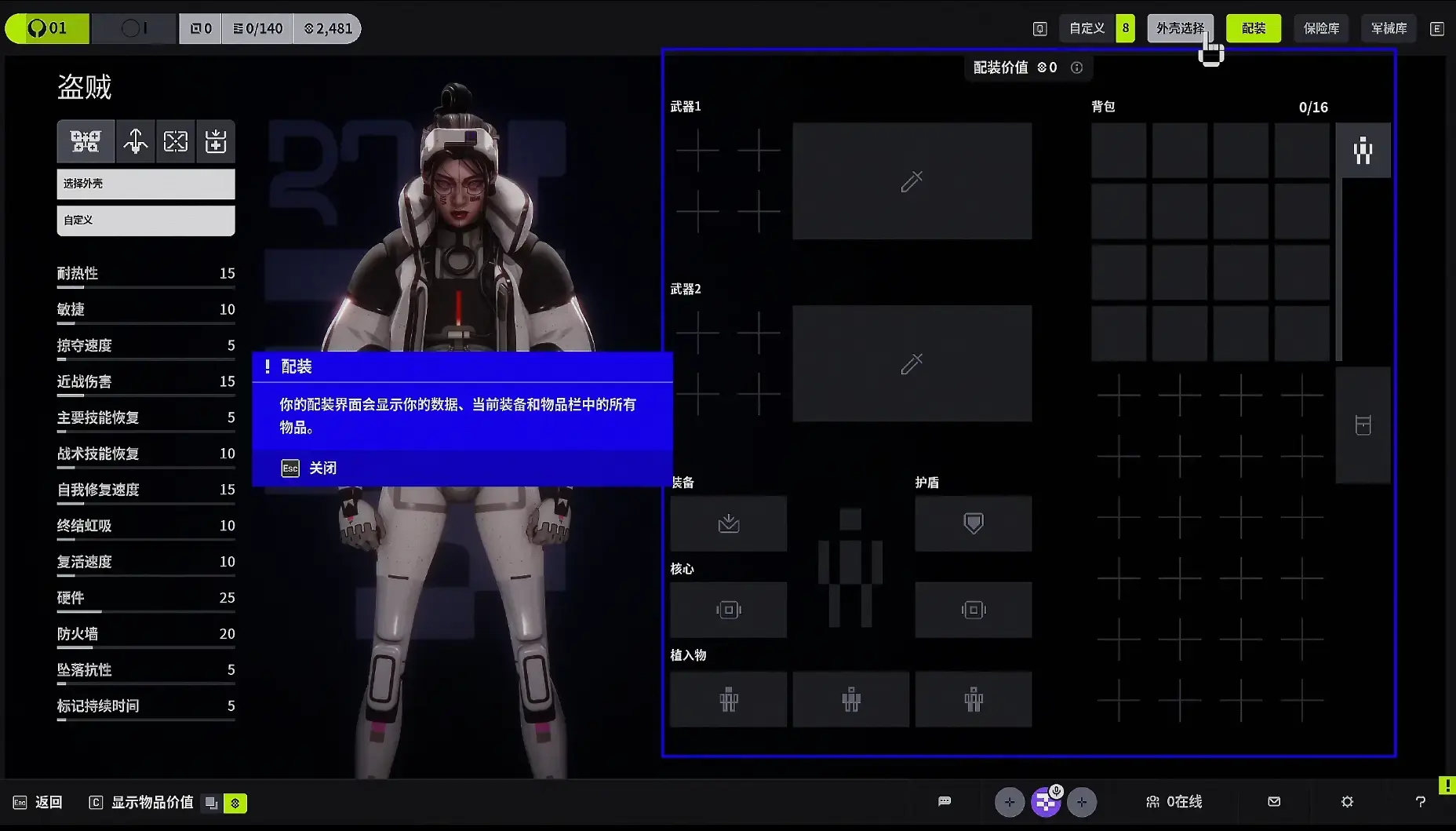
After completing the tutorial, you can customize your weapon system and character system. Each character has different styles and attributes, with clear explanations and guidance provided.
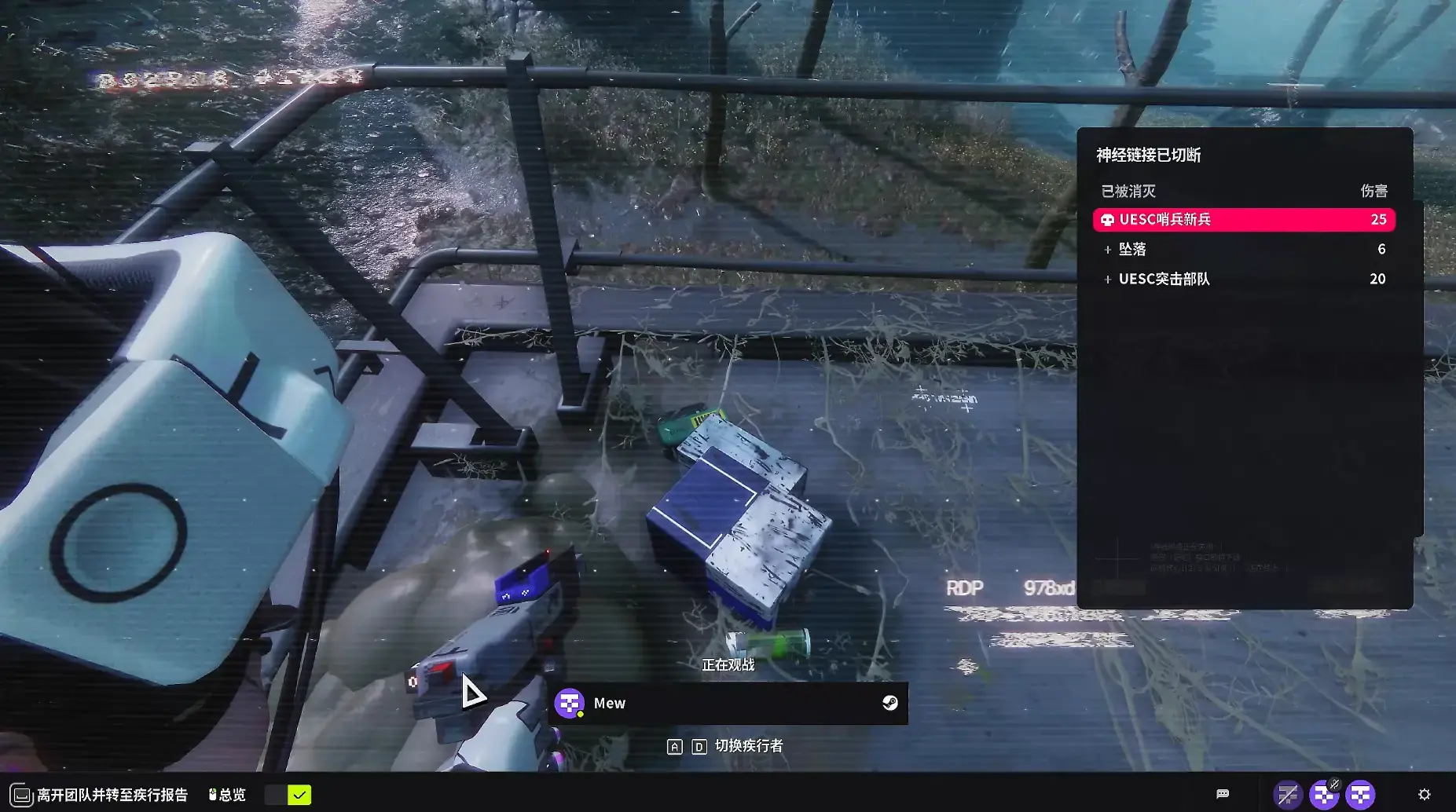
After you die, you can spectate your teammates and see your evacuation status. You can also exit directly, but then you won’t receive any rewards or experience.
Another important note: I played the Chinese version, and the Chinese voice acting is excellent. However, currently using Chinese input methods in-game causes the game to crash directly, so please be aware of this.
The above is the quick start guide for Marathon. Hope it’s helpful to you!
Marathon Database
Looking for a full breakdown of every weapon, runner, core, implant, mod, and item? Check out the Marathon Database — a complete interactive reference with filters and hover details for all in-game content.
About the author

Editor-in-Chief
Founder and Editor-in-Chief of gameguidesbox.com, began surfing the web in the late 19th century. Passionate about movies, coffee, gaming, and life itself. Favorite games include Titanfall 2, Baldur's Gate 3, Metro, PUBG, and CS2.
You may also like
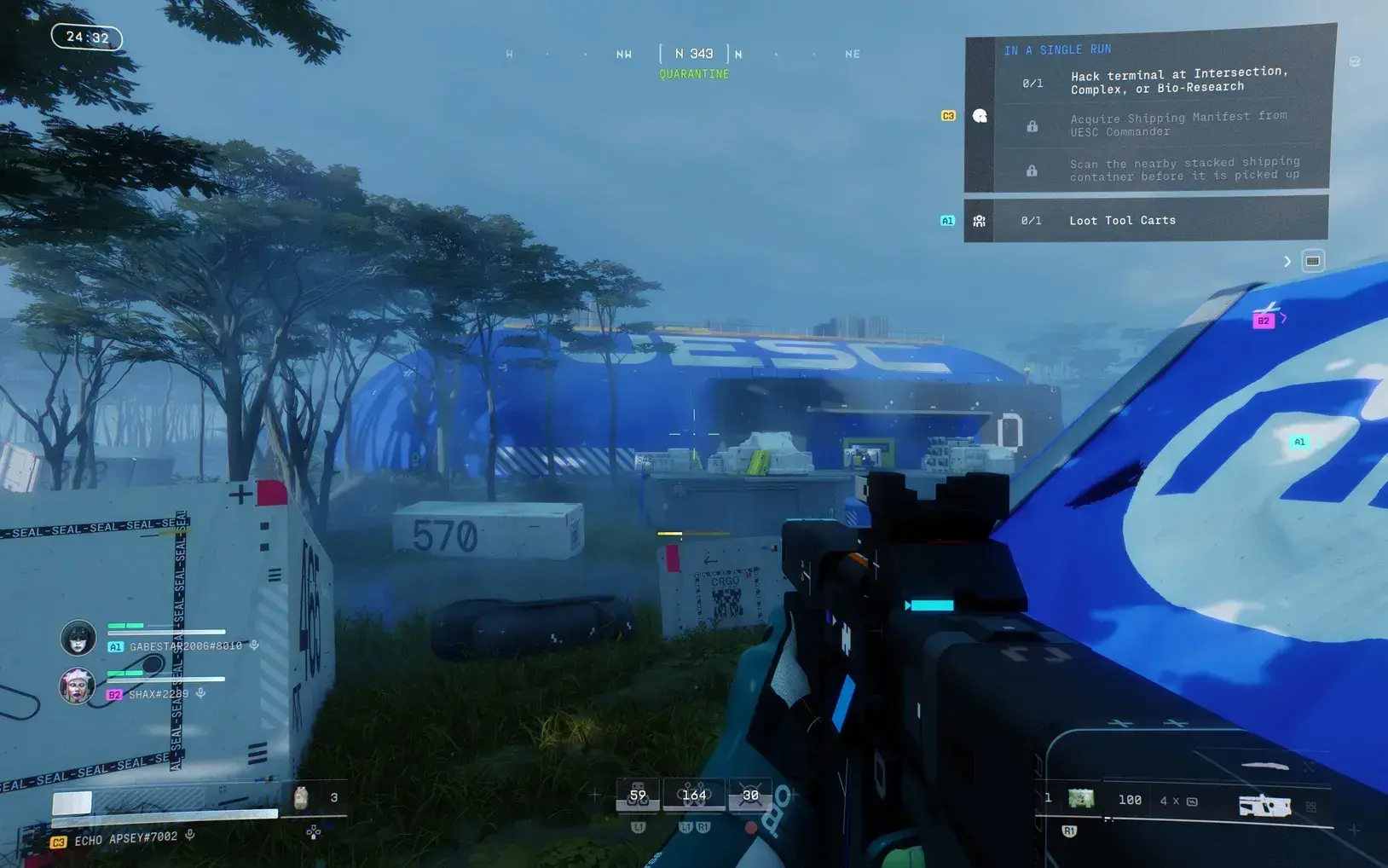
Marathon PvP Not Spawning? Developer Response + How to Find More Fights
Tired of running solo with no PvP action? Bungie finally responded to the 'PvP is infrequent' complaints. Learn which maps actually spawn players and how to force more encounters.
Marathon Ranked Mode Guide: Release Date, Requirements, Rewards & How It Works
Ranked mode drops March 21 in Marathon. We break down unlock requirements, gear ante rules, all 6 rank tiers, weekend-only schedule, and exclusive rewards you can't miss.
Marathon Beginner Guide: 7 Essential Tips to Avoid 80% of Early Mistakes
New to Marathon? Don't waste runs learning the hard way. These 7 essential tips cover heat management, knife combat, loot priority, and extraction planning that every beginner needs to know.
Comments